
Marking Events as Performed
You can mark a drop-off event as Performed after you have brought the passenger to the drop-off location.
Before you begin
Procedure
-
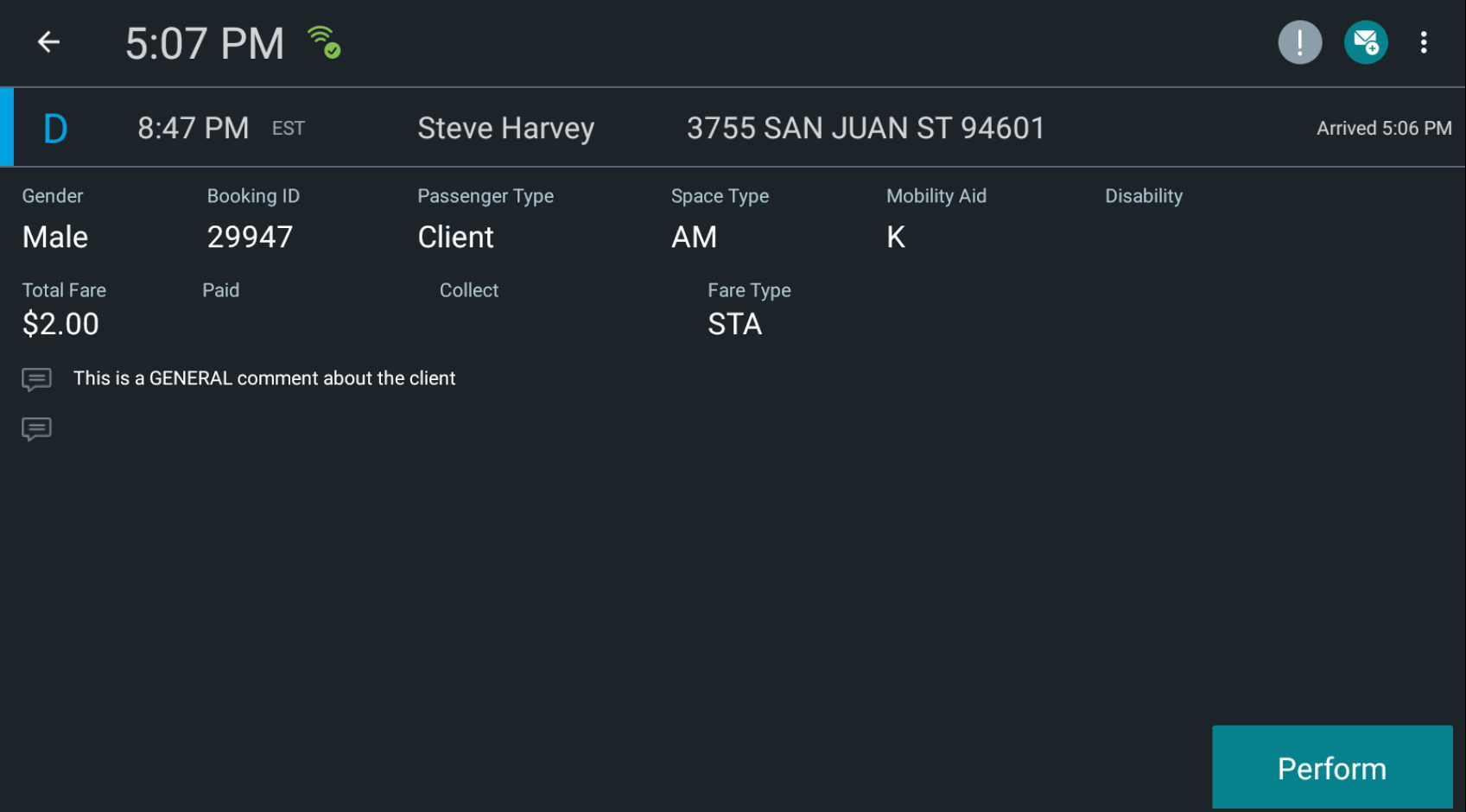
In the manifest, tap and hold an event that has already been marked as
Arrived.
The event details page appears.
-
Tap Perform.
The event is removed from the manifest.