You can receive
different types of
notifications from Dispatch. To view them, tap the Notifications button on the
bottom navigation bar.
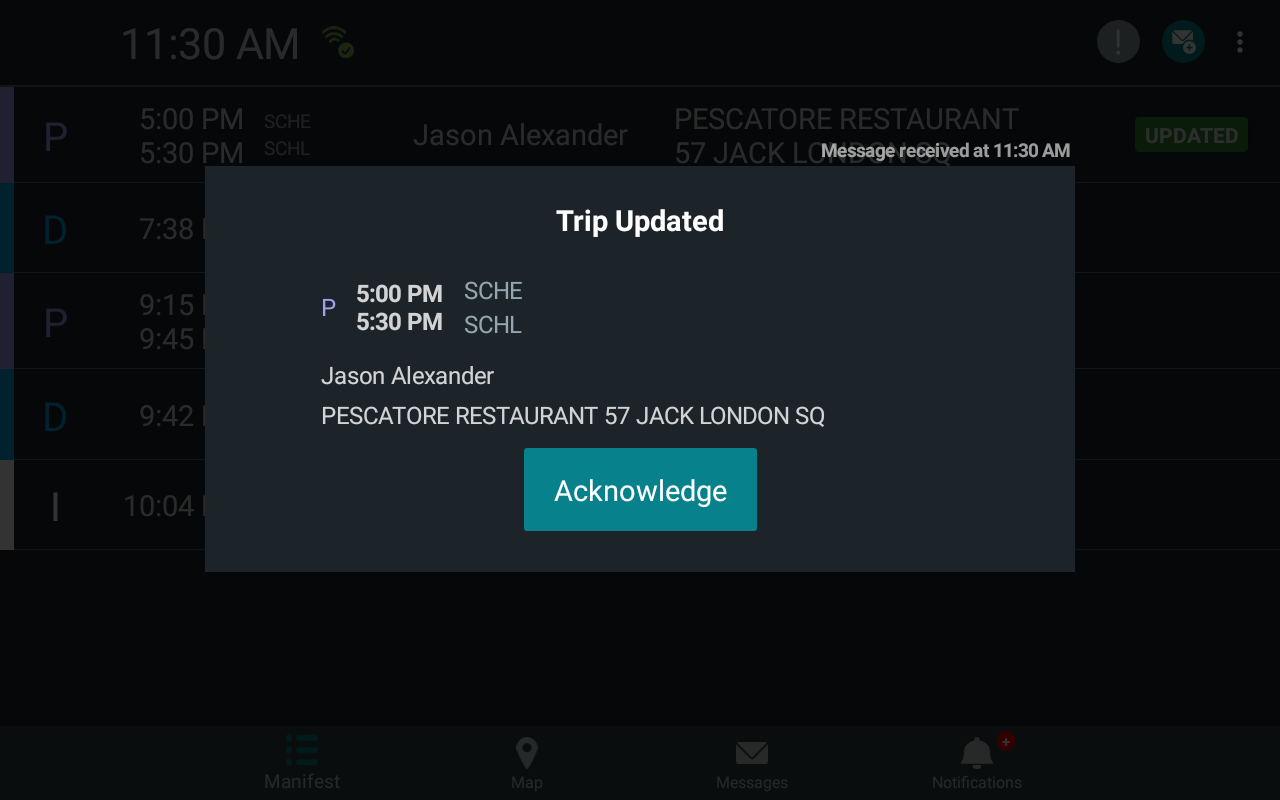
The notifications are typically regarding trip modifications from Dispatch or are
application alerts. DriverMate displays a dialog that remains on the screen until you
perform the required action.
New Event Notifications
A notification appears on the screen when Dispatch updates the current (first) trip on the
Manifest.
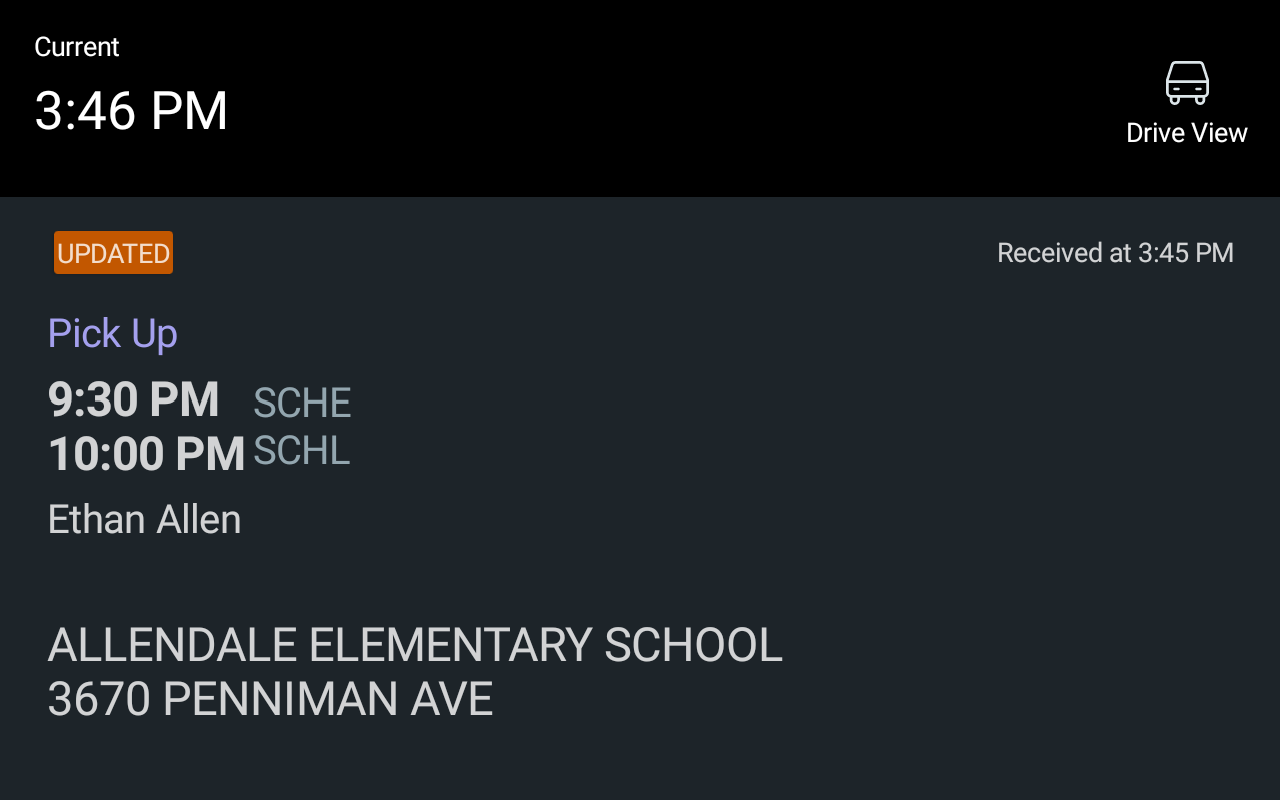
If DriverMate is in
Drive Screen mode (vehicle is moving), the updated event information is
displayed in Drive Screen mode and you are not required to acknowledge the update.
Notifications for trips that are not the current trip are shown with an icon on the left
section of the manifest. To clear the icon, tap the trip to view its details.