
Client Signature Capture
The Signature Capture functionality allows passengers to enter their signature for a trip on the DriverMate tablet.
Driver's can capture a passenger's signature for single and group trips when the trip is performed, and after fare is collected.
Configuration
In order for the Client Signature capture screen to appear, the following configurations must be done:
- Funding Sources must be configured in the PASS workstation.
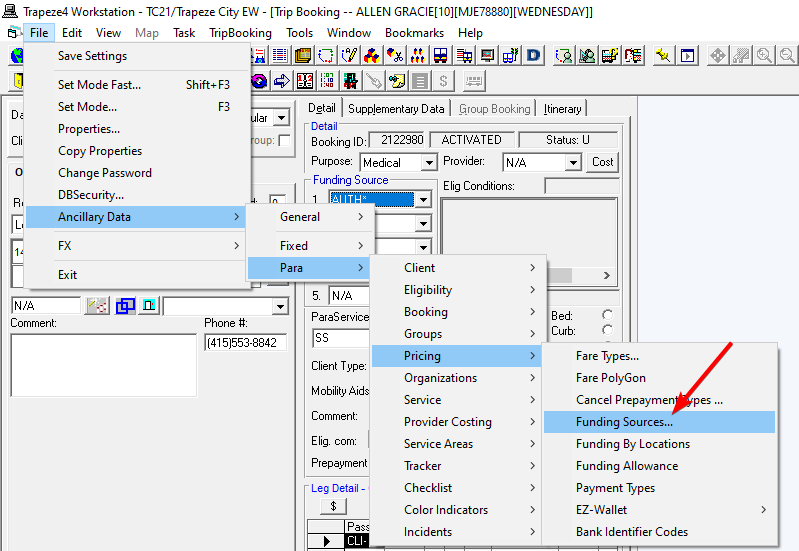
- The Fare Collect Enable property must be enabled in DriverMate settings.
- The Client Signature Capture property must be enabled in DriverMate settings.
| ID | Settings | Description | Default |
|---|---|---|---|
| 1020 | Fare Collect Enable | If enabled, fare collection will be prompted by DriverMate and fare-related fields will be displayed (including the fare to collect, fare amount, fare collected or fare type). | false |
| 2300 | Client Signature Capture |
Enables the Client Signature Capture feature. If set to True (enabled), DriverMate will prompt for a signature on Perform. If set to False (disabled), DriverMate will not indicate signatures are required, nor will it prompt for a signature. |
false |