
Adding Bookmarks
You can add bookmarks by using the Add a Bookmark dialog box.
Procedure
-
Click Bookmarks:

Alternatively, click .Note: If Add a Bookmark is not available as a menu option, this means that you cannot add the current or selected record as a book mark.The Add a Bookmark dialog box appears: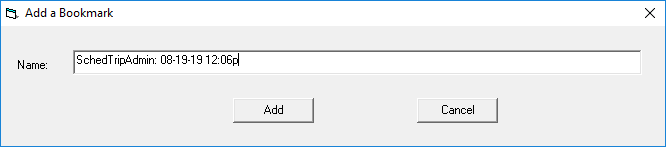
- Type a name for the bookmark in the Name field. You may find it useful to add a name that will make it easy for you to identify the record later. If you do not enter a name, the default name is used.