Short Fare Report
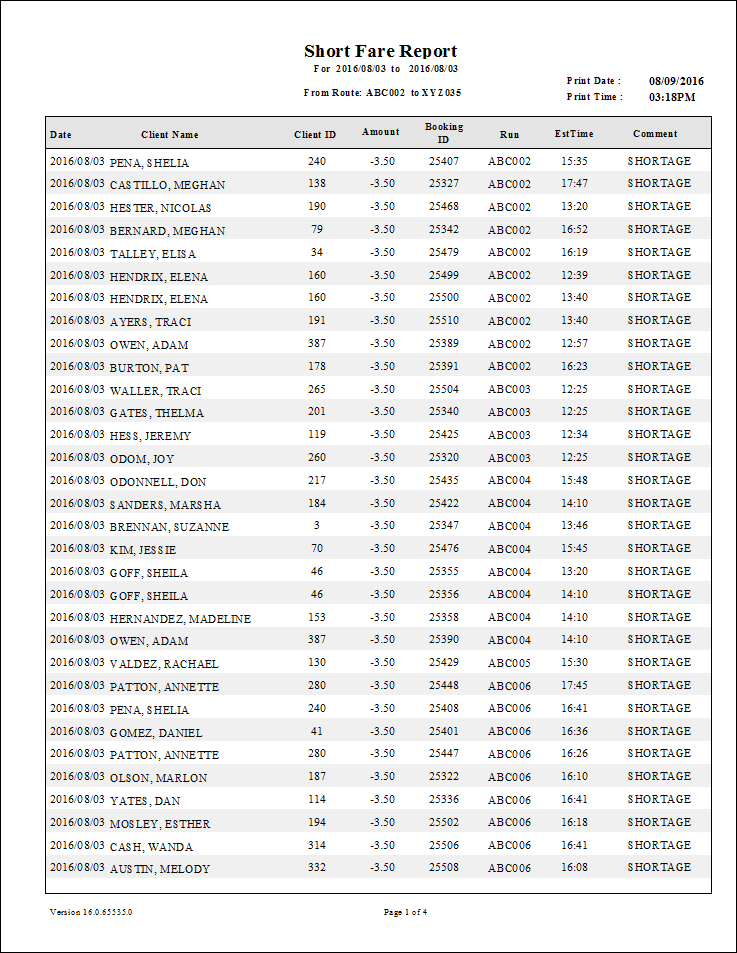
The Short Fare report shows customers whose fare and fare collected amounts differ. The report does not show the trips associated with fare differences, but does show booking IDs and routes.
| Parameter | Description |
|---|---|
| From Date | First date of records in the report. |
| To Date | Last date of records in the report. |
| Schedule Type | Schedule type. Note: The report can only be run for live schedules. |
| From Route | First route in the report. |
| To Route | Last route in the report. |
| Providers | If All is selected, records for all providers appear in the report. If All is cleared, select individual providers from the list. The options available to you depend on provider security. |
| Field To Compare To |
Select the field to compare with the FareCollected field: FareToCollect (the amount to be collected from the client) or FareAmount (the total fare amount). |