
Adding Service Groups
You can add service groups in the Services dialog box.
About this task
Procedure
-
On the Service Group tab, click
Add.
The Select Services dialog box opens:
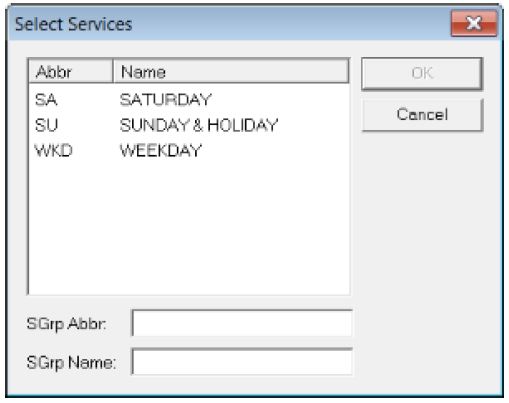
- Select the services that you want in this new group from the list. To select more than one, press CTRL.
- In the SGrp Abbr box, enter an abbreviation for the new service group.
- In the SGrp Name box, enter the full name of the service group.
- Click OK.