
Editing Service Groups
You can edit service groups in the Edit dialog box from the Service Groups tab.
Procedure
- On the Services Groups tab, highlight the desired service.
-
Click Edit.
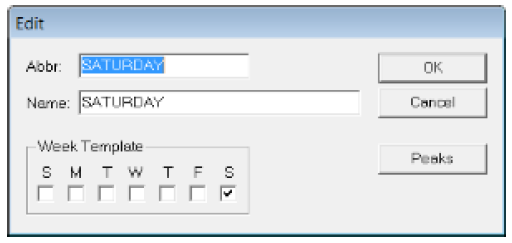
The Edit dialog box opens:
-
Make the changes you want in the Abbr and
Name boxes, the days of the week that apply to this
service and peak periods as necessary.
Assigning the days that apply to your service group in this manner has a time-saving benefit when rostering. A warning appears if you edit the week template and it results in overlapping values with another service group.