
Editing line Groups
Edit line groups with the Edit dialog box.
Procedure
-
Click Edit on the Line Groups tab.
The Edit dialog box opens
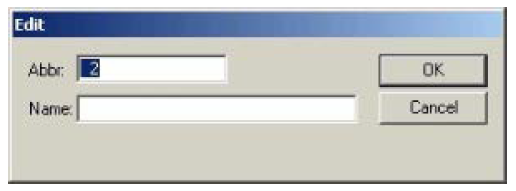
- In the Abbr: box, change the abbreviation.
- In the Name: box, change the group name.
-
Click OK.
Note: If you activated the Use Driver Blocks system property, an additional check box appears called Driver Blocks (not shown) at the bottom of the dialog box. If the selected line group will use this feature, make sure that you mark this check box. Contact your Trapeze representative for more information.