
Viewing Subscription Records
You can narrow your search results to subscription trips.
Before you begin
Procedure
-
Select only the Sub (Subscription) check box.
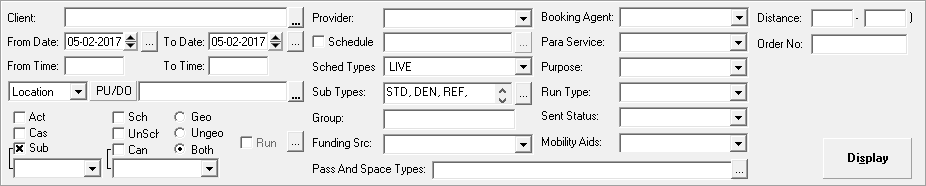
- Click Display.
You can narrow your search results to subscription trips.