
Viewing Transfers on the Map
Transfers can be viewed on the system map.
Before you begin
Procedure
-
Confirm that the map is visible.
If the map does not appear, press CTRL+M or click the View System Map button:

- Click .
- On the Transfer tab of the Transfer wizard, view the transfers.
-
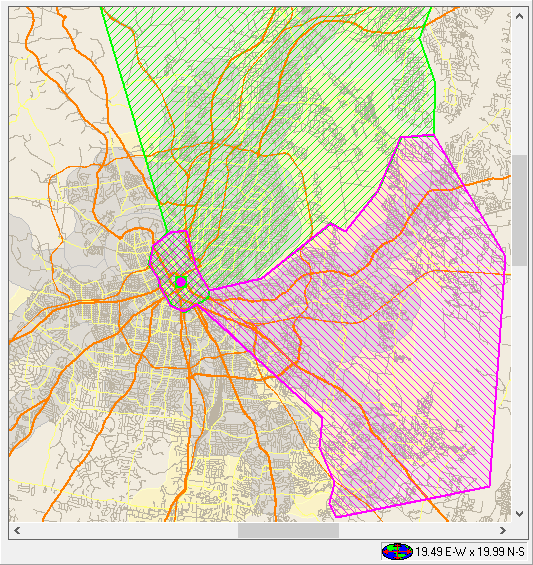
Click a transfer in the grid in the Transfer wizard.
The polygons and transfer point appear on the map.
- Optional:
To zoom in to the transfer point on the map, click the Zoom to
Stops button in the dialog box:
