Cancelled-Missed-NoShow and More Report
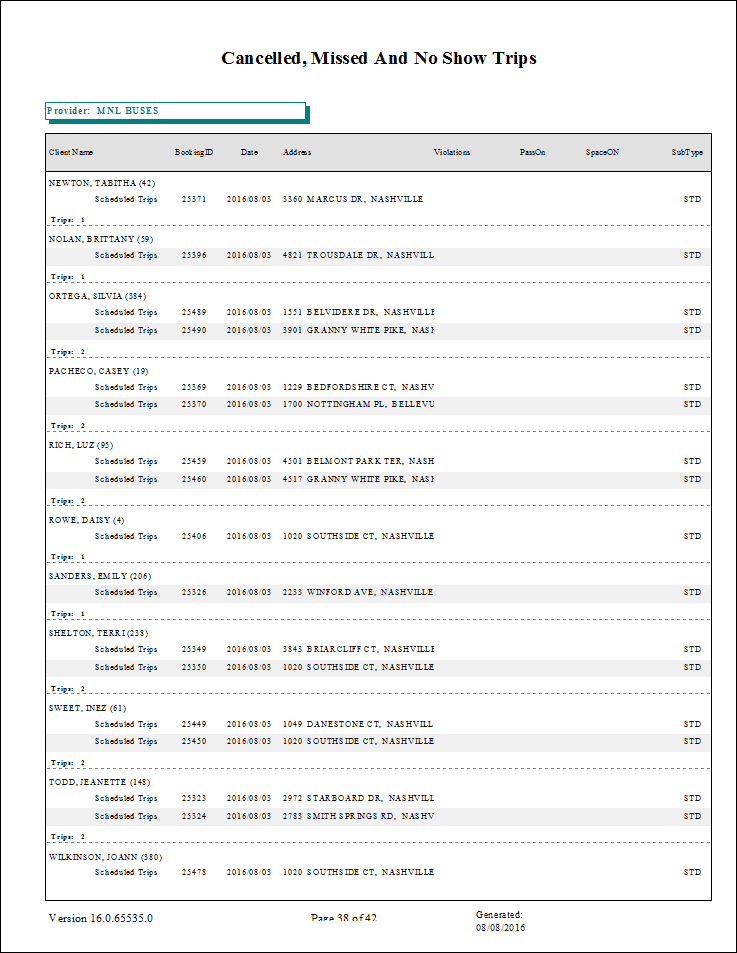
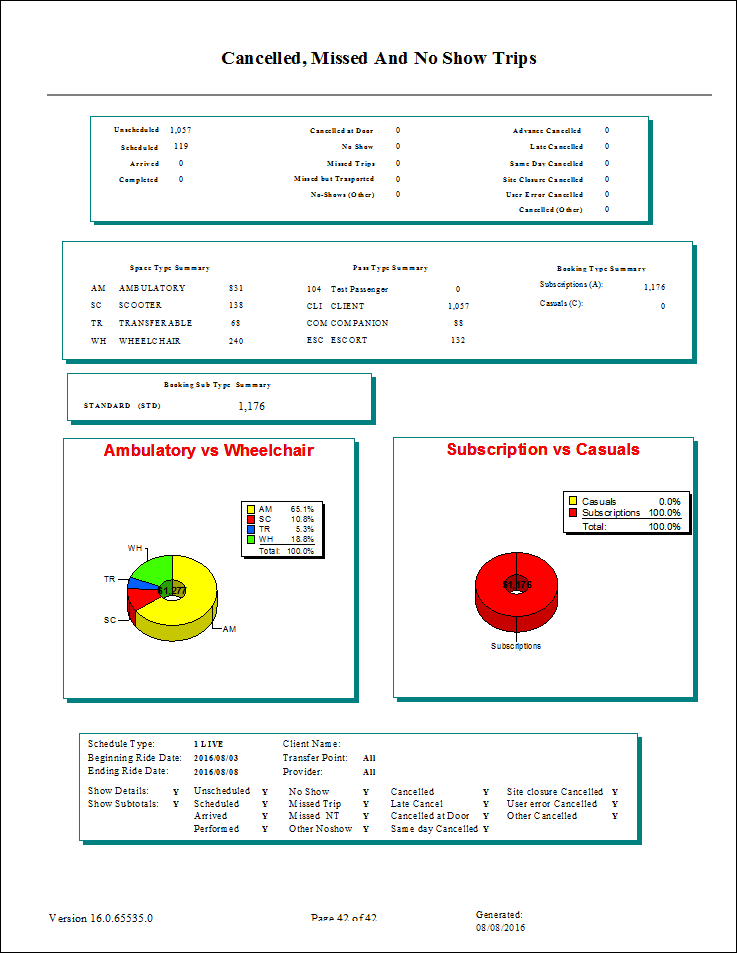
The Cancelled-Missed-NoShow and More report provides information for trips such as cancels, no shows, and missed trips. You can get details about trips for all customers or totals for a particular customer. Report data is sorted by provider, then by customer, and then by trip status.
| Parameter | Description |
|---|---|
| Type | Schedule type. |
| From Date | First date of records in the report. |
| To Date | Last date of records in the report. |
| Provider | If All is selected, records for all providers appear in the report. If Provider is cleared, select providers for the report from the list. |
| Client Name | To restrict the report to a single client, specify a client for the report. You can search by client ID number, client last name, or for client last and first name combinations. For example, use /121 to search for the client whose ID number is 121, Smith to search for a client whose last name is Smith, or Sm.J to search for a client named John Smith. |
| Transfer Point |
To restrict the report to trips that use a specific transfer point, choose Location or Address from the drop-down list. |
| Location or Address | Location or address that is a transfer point for included trips. Select All to use all locations. |
| Ada Codes | If All is selected, records for all ADA codes appear in the report. Clear All to select specific ADA codes from the list. |
| Show Details | If selected, the report shows detailed information. |
| Show Subtotals | If selected, subtotals are included. |
| Include Trip Type |
Trip types to be included:
If no trip types are selected, the report includes all trips in the schedule. |