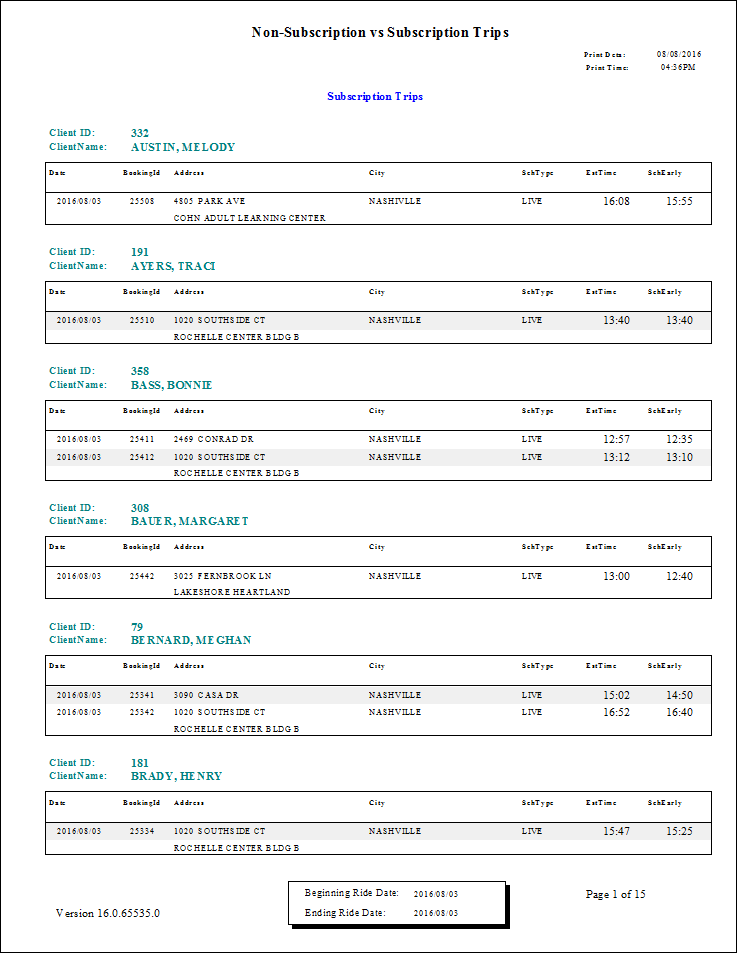
Non-Subscription vs Subscription Trips Report
The Non-Subscription vs. Subscription Trips report shows non-subscription and subscription trips by trip type, customer, and date. A total is shown for each type and the percentage of the total amount of trips. The summary report does not provide subtotals for each customer.
| Parameter | Description |
|---|---|
| Schedule Type | Schedule type included in the report. |
| Date/Weekday | Specifies whether the report is for specific dates or days of the week. Choose
the option appropriate for the schedule type:
|
| Show Details | If selected, the report shows detailed information. |