
Loading and Unloading Trip Schedules
Schedules need to be loaded for the Trapeze4 Workstation to correctly batch trips for brokering so that they are published and visible in Trip Broker.
About this task
Procedure
-
Double-click the Schedule Administrator shortcut.
Schedule Administrator appears.
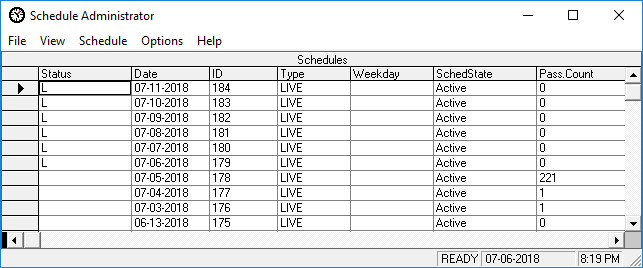
- Scroll through the list of schedules to find the one to load.
- Click to select the schedule to load.
-
Click .
The schedule is loaded.
- Load any additional schedules.
- Optional: To unload a schedule, select the schedule and click Schedule > Unload.