Viewing Client Information
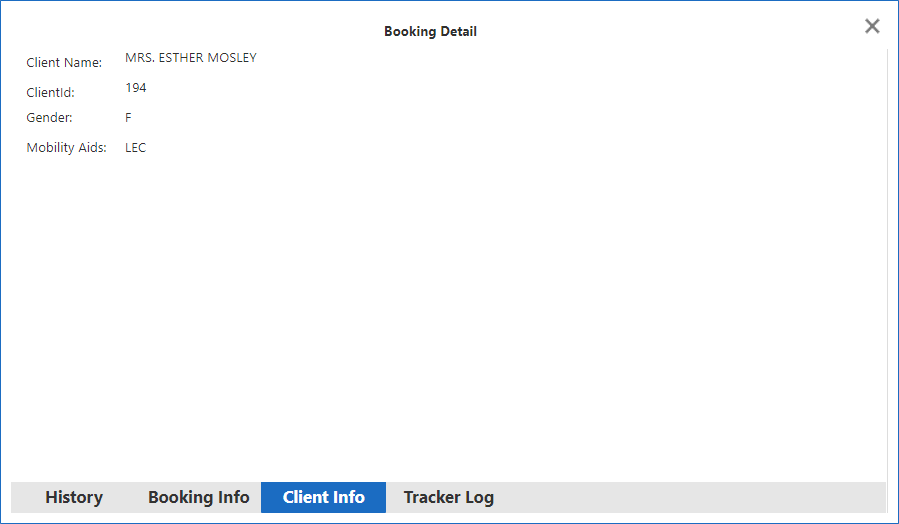
Client information can be viewed in Trip Broker.
Before you begin
About this task
Procedure
- In any of the Provider Status Summary tabs, find the trip for which to view information.
- Right-click on the trip and click Booking Detail.
- At the bottom of the window, click the Client Info tab.
-
Review the information as needed and close the dialog box.