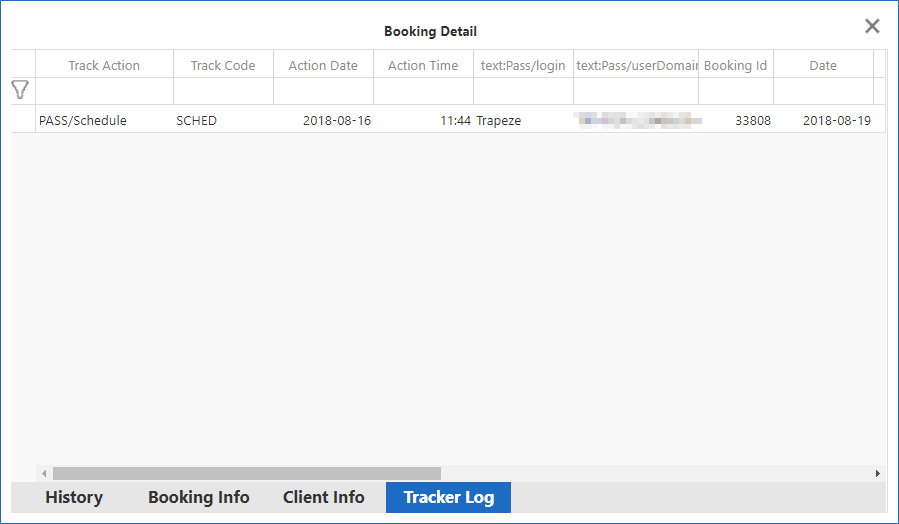
Viewing the Tracker Log
The Tracker Log in Trip Broker is similar to the Tracker Action Log in PASS, except that records cannot be sorted.
Before you begin
About this task
Procedure
- On the main Trip Broker screen, in any of the Provider Status Summary tabs, find the trip for which to view information.
- Right-click on the trip and click Booking Detail.
- At the bottom of the window, click the Tracker Log tab.
-
Review the information as needed and close the dialog box.