Customizing the Screen Footer
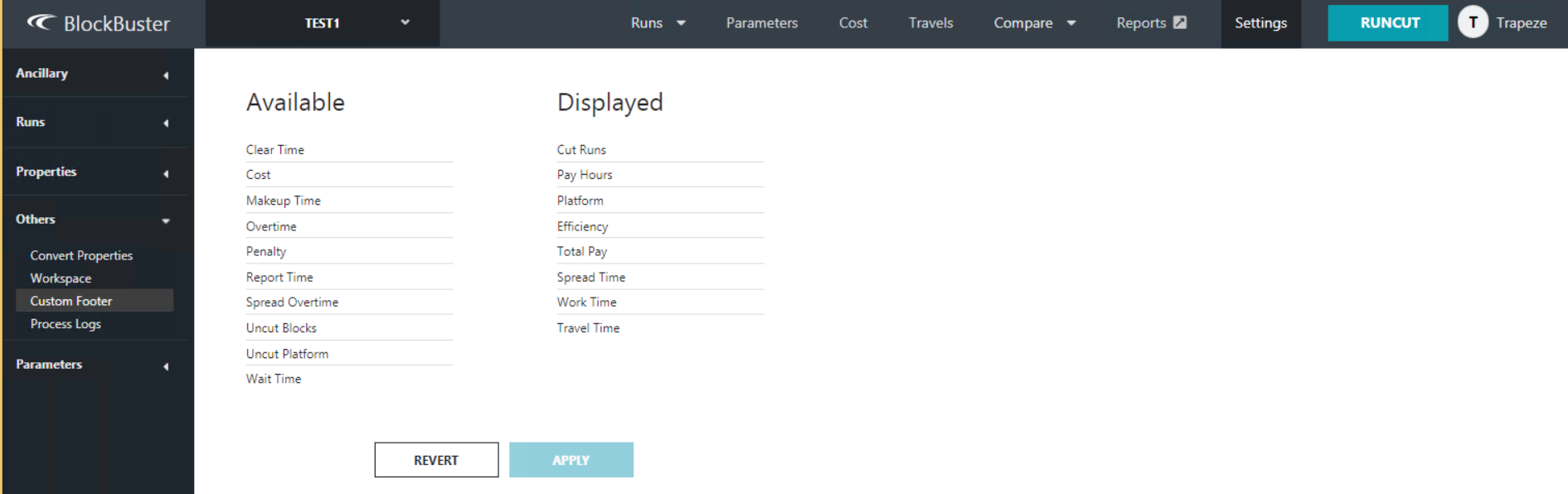
The Custom Footer screen allows you to select the options that you want shown on the screen footer.
- Click Settings.
-
On the left pane, click .
The Custom Footer screen appears.
- To change the options, perform any of the following steps:
-
Click Apply.
The footer shows the options on the Displayed column. The values shown are based on the selected active scenario.