
Creating User Accounts
Creating user accounts allow you to assign permissions directly to the users and assign them to groups from which they can inherit permissions.
-
Click .
The Users and Security screen appears.
-
On the Select tab, click the New button:
 A shortcut menu appears.
 -
Click the New User button.
The Add User pane appears on the right section of the screen.
- In the User Name field, enter a login user name for the user.
-
Click the Create button.
The General tab on the Users and Security screen shows the fields for entering user information.
-
On the General tab, fill in the following fields (and any other fields shown on your screen as required):
- First Name
- Middle Name
- Last Name
- Email Address
- Description
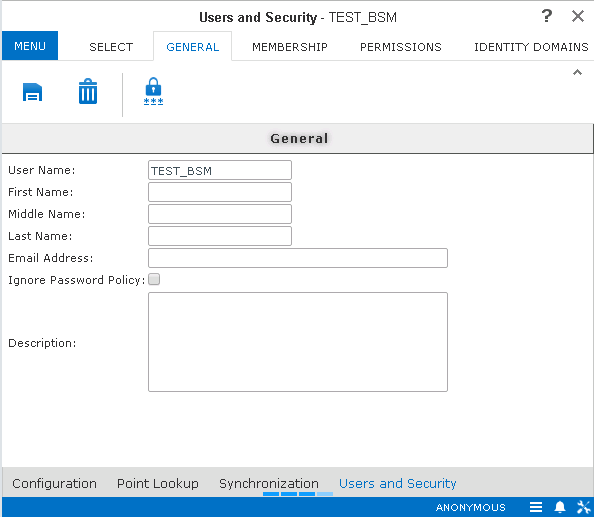
- Optional: If you do not want to apply your site's password policies to the user, select Ignore Password Policy.
-
Click the Save button:
 .
.