
Deactivating All User Sessions
If necessary, you can terminate all current user sessions at once.
-
In the Operations frame, select the Deactivate All User
Sessions check box.
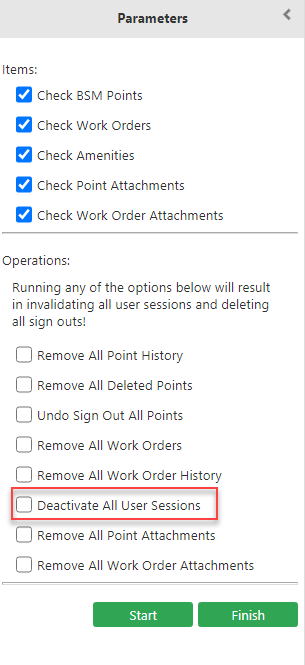
-
Click Start.
All current user sessions are terminated and all point records that have been signed out are deleted from tablets or mobile devices.