
Signing In Point Records
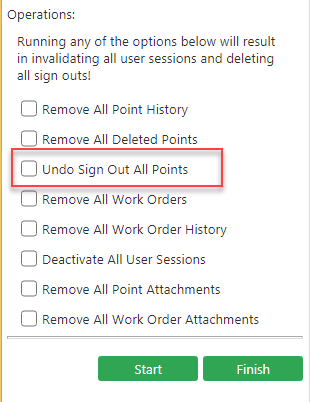
The Undo Sign Out All Points option is applied to records that have been signed out and viewed in a mobile device such as a tablet. If selected, the status of all point records that have been signed out is reverted back to signed in.
-
In the Operations frame of the Integrity
Checking screen, select the Undo Sign Out All Points
check box.
- Click Start.