
About Generating BlockBuster Standard Reports
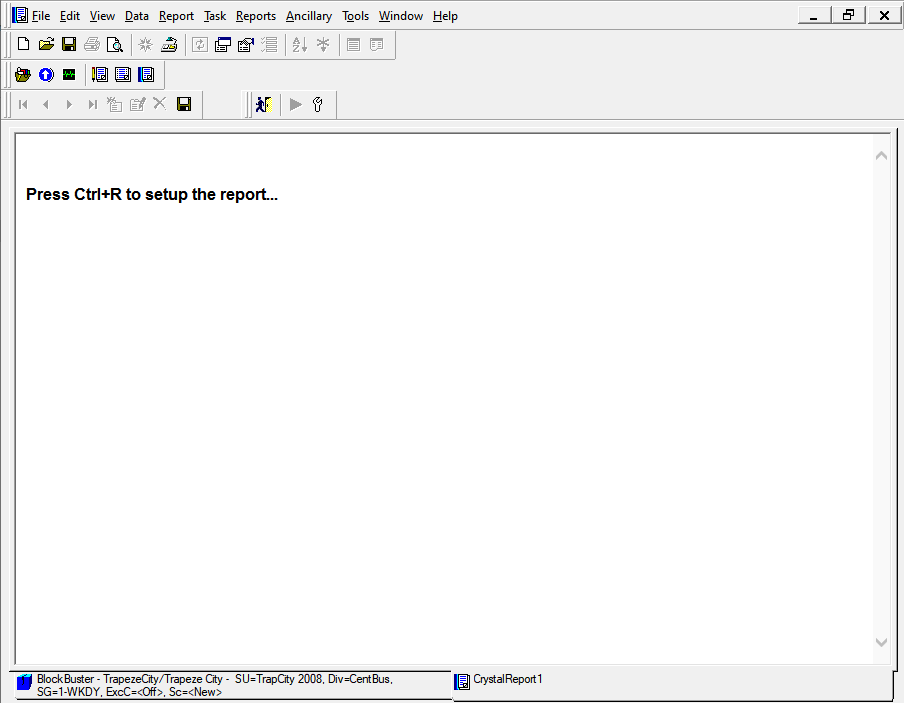
The BlockBuster standard reports are run using the Trapeze Reports module in the Trapeze5 workstation.
Note: Crystal Reports XI
Runtimes is required for running Crystal reports.
You can access the Reports screen from the main menu. It appears on
a separate tab where you can view, save, and/or print it.
You can then proceed to select the report you want to generate and set the parameters you want to apply to the report.