Place text in quotation marks for exact match search results.
Viewing the Cost
Screen
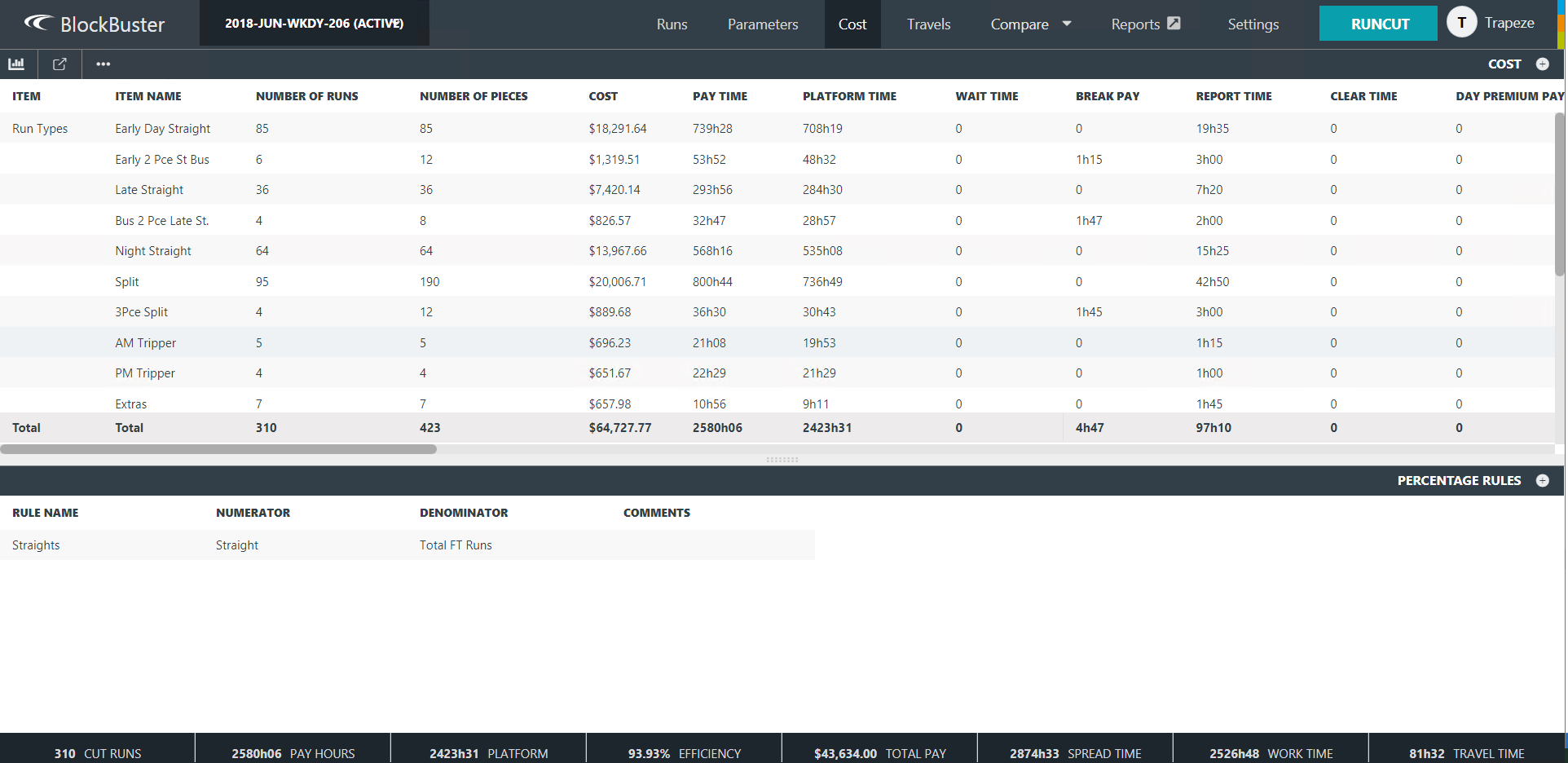
The Cost screen provides information on the costs for the runcutting solutions in the
current context.
On the main ribbon, click Cost.
The Cost screen appears.
The following graphic shows
sample data in the Cost screen:
The upper pane shows the total cost of each run type and run type category in the
selected scenario. The cost is broken down in the different columns by cost element as
determined by your pay rules.
The bottom pane shows the Run Percentage Rules that have been
defined as ancillary data.
The values shown here
should match what is shown in the Run Percentage Rules ancillary data
screen.
To adjust the size of both panes,
click anywhere on the grid
splitter and drag it up and down accordingly.
The footer at the
bottom of the screen provides the total summary costs, for example, of the runs, platform, and
pay. The values shown can vary depending on the selected parameters.