At this level, the delete focuses on service group and line group dependencies.
-
Click .
The FX Delete - Select Context view opens.
-
In the Select Context view, select the Blocks option.
-
Click Next.
The Select the items to be deleted view opens.
-
Select the check box next to the items you want to delete:
-
Click Next.
The Select Service and Line Groups view opens.
-
Do one of the following steps:
- Select a specific service group (SGrp) and then the line
groups (LGrp) affected.
- To check all the line group, click Select All.
- Optional:
To remove all check marks, click
Clear.
-
Click Next.
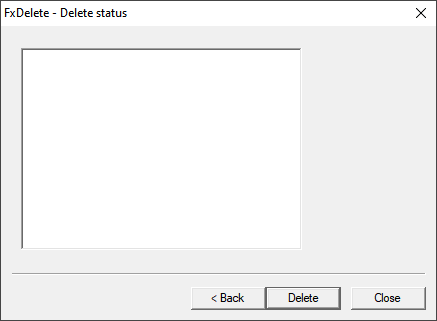
The
Delete status view appears.
-
Click Delete. When the deletion is complete, the view shows
"Finished delete."
-
Click Close.
