Viewing Runcutting Supplementary Data
The two types of Runcutting supplementary data are Run and Piece.
-
Click and choose the type of supplementary data you want to view:
Run Supp. Data or Piece Supp.
Data .
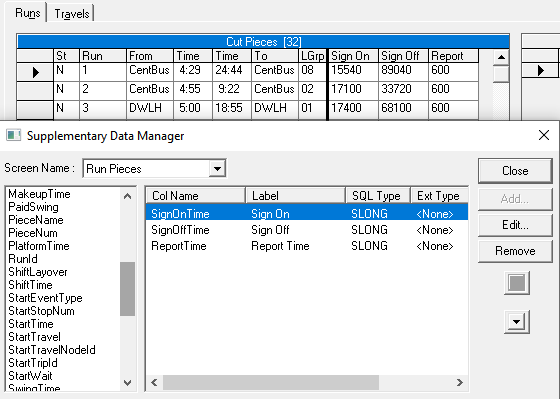
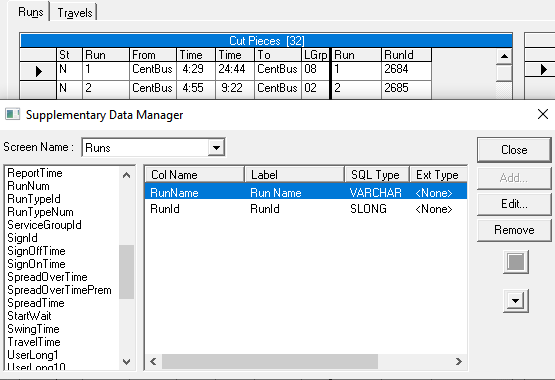
The supplementary data is shown on the left pane of the Cut Pieces grid.For the Run supplementary data, the values are at the total run level. The following graphic shows some sample Run supplementary data:
 The following graphic shows some sample Piece supplementary data: