
Changing Label Appearance
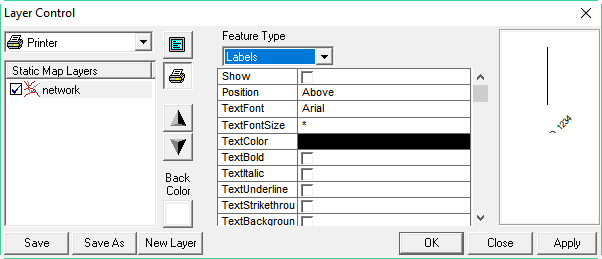
You can adjust the color, font, and font size of street labels.
-
In the Feature Type list, click
Labels.
A grid appears showing the current settings.
You can adjust the color, font, and font size of street labels.