About Stop to Node
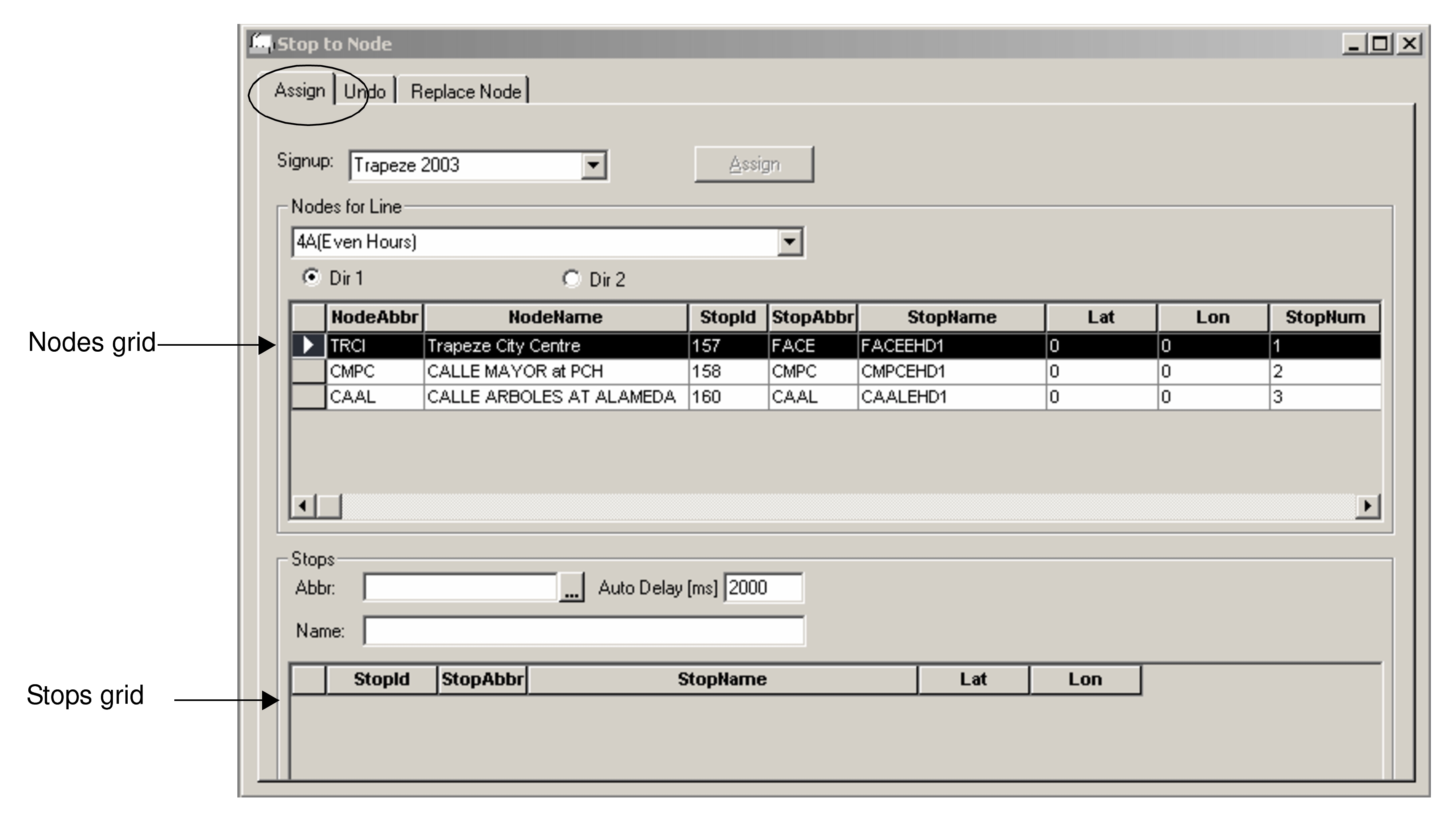
The Stop To Node tool enables you to replace a stop associated with a node on a given route with another stop.
The Stop To Node screen has three tabs: Assign, Undo, and Replace Node. The node and stop data of your current context appears on the Assign tab by default.