
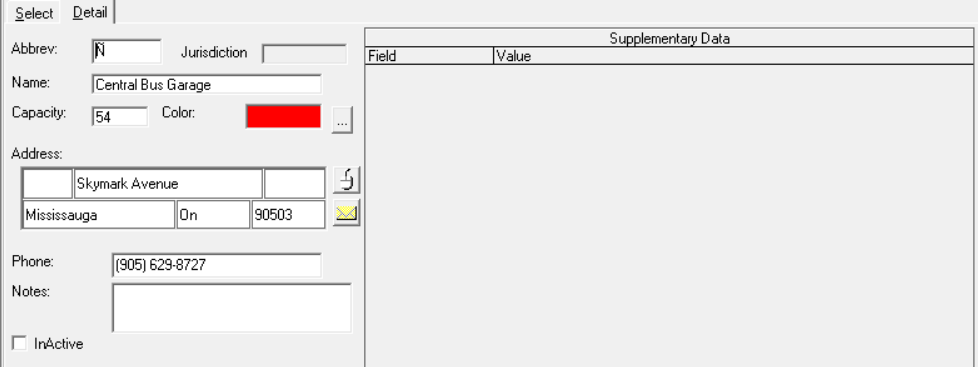
Editing Garages Supplementary Data
The steps in viewing and editing the supplementary data associated with Garages data are similar to those in editing ancillary supplementary data.
-
On the Detail tab, edit the supplementary data as
required.
-
Click the Save button:
