
Editing Service Groups
Assigning the days that apply to your service group has a time-saving benefit when rostering.
-
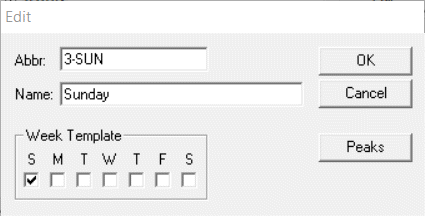
Click Edit.
The Edit dialog box appears.
Assigning the days that apply to your service group has a time-saving benefit when rostering.