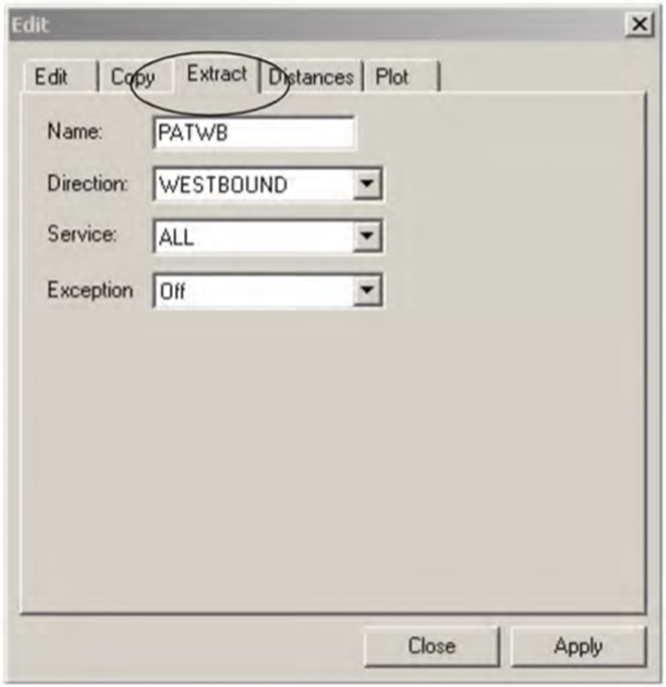
While the Extract tab in Run Times pulls run
times from previously built trips which have patterns, the Extract tab in
Node to Node pulls run times from the Run Times
grid.
-
On the Node to Node tab, click the Edit
button:

The Edit dialog box appears.
-
Select the Extract tab.
-
In the Line drop-down list, select the line from which you want to
extract run times.
- Optional:
To see if there are node to node pairs with errors, select the
Report errors check box.
- Optional:
To see all the node to node pairs in the same run times interval
but different run times, select the Line Dependent check box. If
you do not select this check box, the system displays only one of such pairs.
-
To add the data, click one of the following options:
- Delete and Add: If there are any overlaps in the time
intervals, the system deletes the old node to node pairs and adds the new node to node
pairs.
- Add: If there are any overlaps in the time intervals, the
system adds the new node to node pairs but does not remove the old node to node
pairs.
- Do Not Add: If there are any overlaps in time intervals, the
system does not add the new node to node pairs.
-
Click Apply.
-
Click Close.