Place text in quotation marks for exact match search results.
Saving Block Scenarios
After trying out combinations of parameters, save the block scenarios that you may be
able to apply again later.
Examples when you may want to save block scenarios are: after you have defined a set of
parameters and achieved blocks that you want to keep and when you make changes to a previously
saved scenario. In the latter case, save the modified scenario with a new name.
On the Blocking tab, click Blocking > Block Scenario.
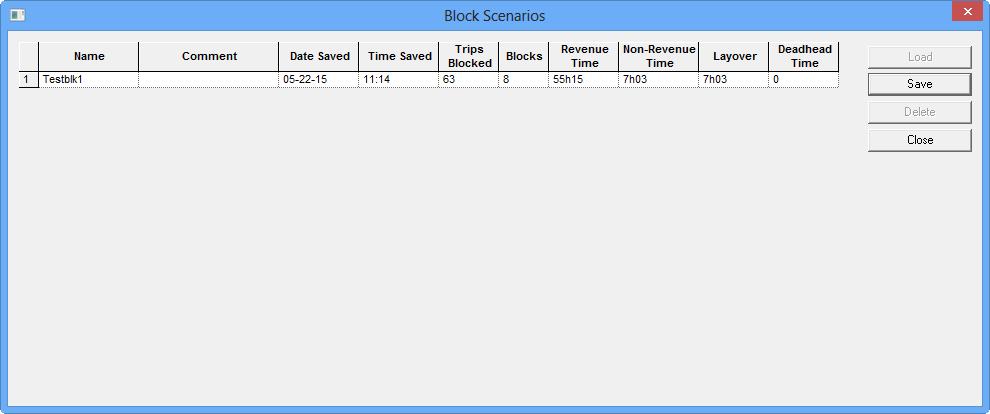
The Block Scenarios dialog box opens.
Click Save.
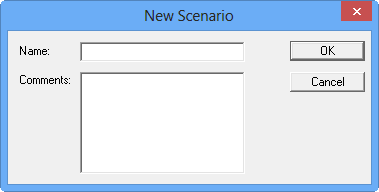
The New Scenario dialog box opens.
In the Name field, type a name for the new scenario.
Optional: In the Comments field, type a description or information on the
scenario.
Click OK.
The scenario is added to the grid in the Block Scenarios
dialog box.