
Details Tab
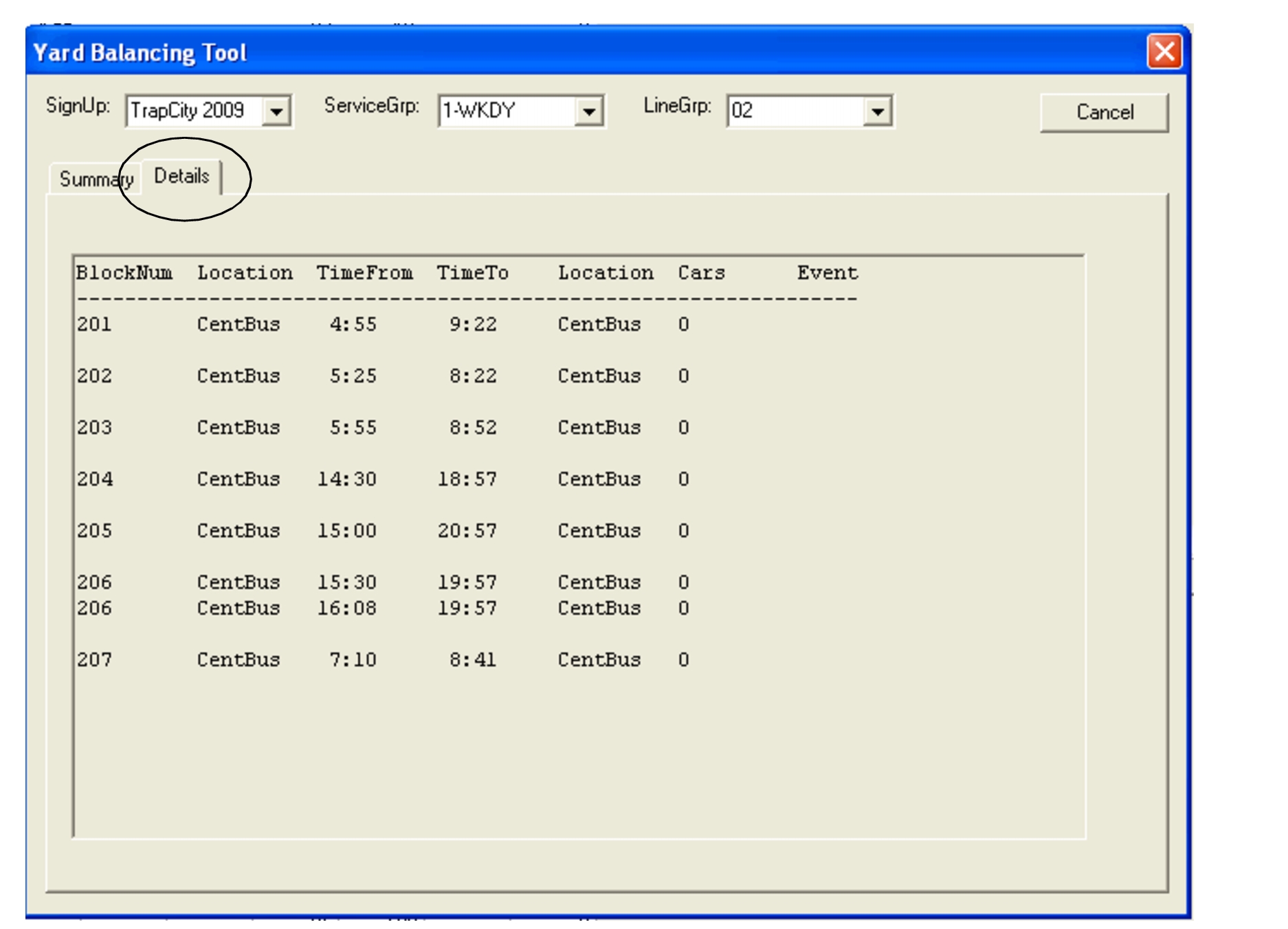
The Details tab shows information on the cars or trains in each block:
| Information | Description |
|---|---|
| BlockNum | The number of the block. |
| Location | The garage from which the car or train pulls out. |
| TimeFrom | The time when the car or train pulls out. |
| TimeTo | The time when the car pulls in. |
| Location | The garage to which the car or train pulls in. |
| Cars | The number of cars used in the block. |
| Event | Indicates if there is a change in the number of cars in the block. The
following codes are applied depending on what occurs at a pull-in or pull-out:
|