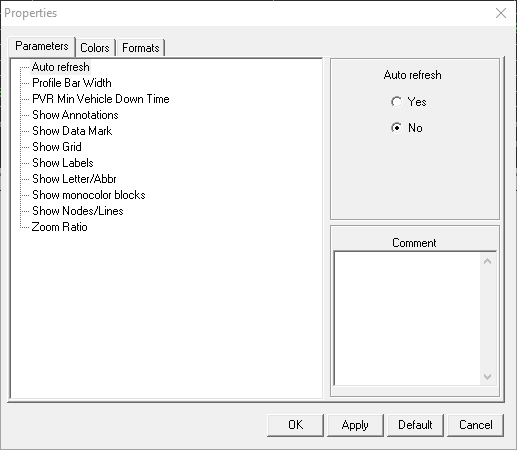
You can set the properties of graphs using the Proprties dialog.
To set how the graphs appear on the Wizard screen, click Wizard > Properties.
The Properties dialog appears.
The Properties dialog in the Trips/Blocks
Graphical Wizard screen shows three tabs: Parameters,
Colors, and Formats. The properties listed
on these tabs are the same as those that appear in the Properties
dialog which you can access through File > Properties > Graphical Wizard.