
Running FX Standard Reports
The FX standard reports are run in the Trapeze5 workstation using the Trapeze Reports module. They typically include information about scheduling data from the lines, services, and divisions of your transit agency.
-
In the Trapeze5 workstation, click .
The Open dialog box appears.
-
In the Files of type drop-down list, choose the type of report
you want to open:
- Trapeze Text Reports (*.trt)
- Trapeze Crystal Reports (*.trc5)
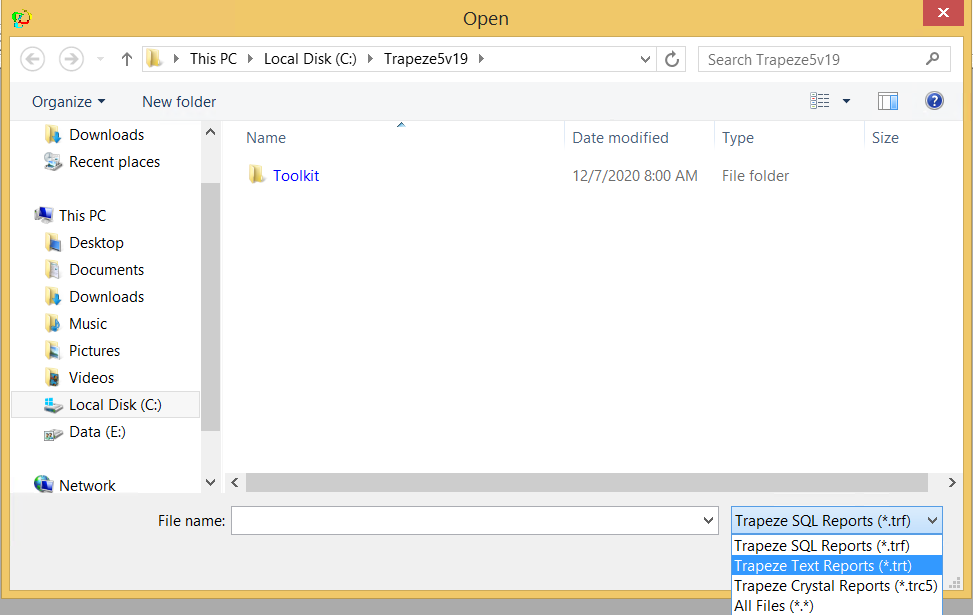
The list of reports that match the selected file type are shown in the Open dialog box. - Select the file that you want, and then click Open.
-
Press F8 or click the Run button:

The Enter Parameters dialog box appears.
- Specify parameter values for the report.
-
Click OK.
The report appears in a separate window, where you can view, save and/or print it.