
About the Route Definition Screen
The Route Definition screen provides separate tabs for the components that allows you to define routes.
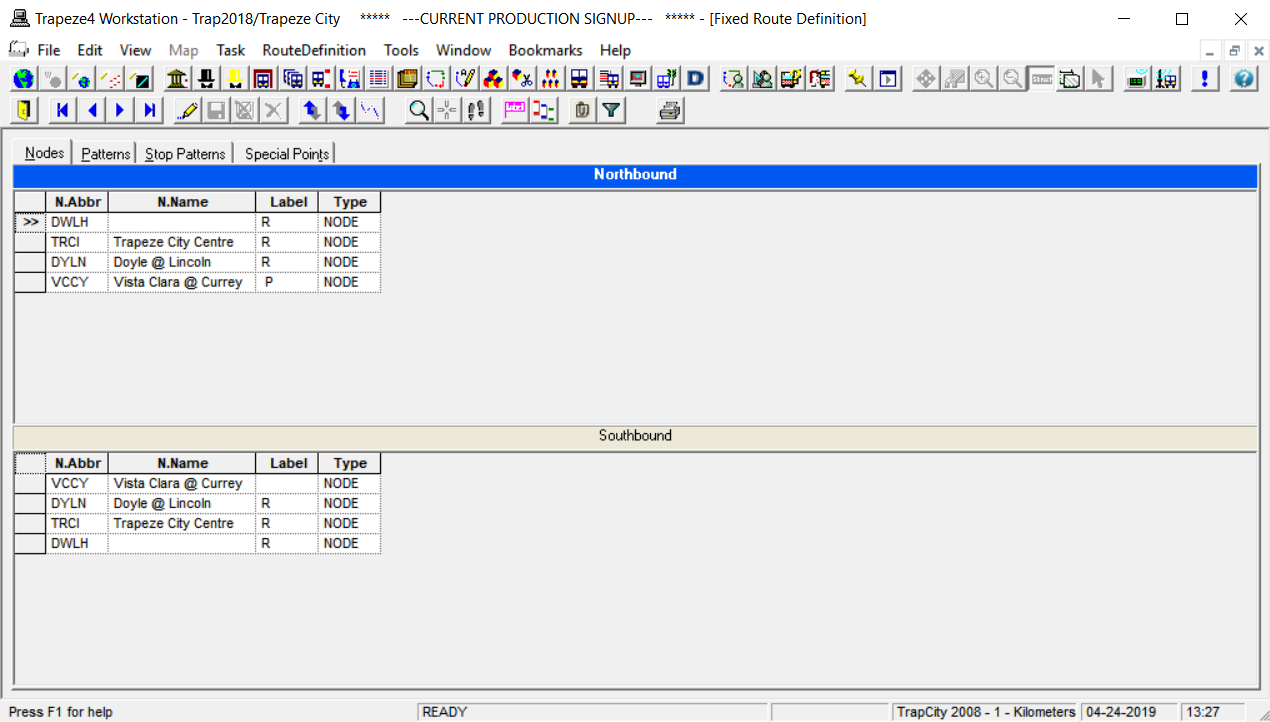
The screen includes four tabs: Nodes, Patterns, Stop Patterns, and Special Points. A screen toolbar for each tab also appears under the Main toolbar. At the bottom right of the screen in the Status bar, see the Set Mode (context) information.
If you have not yet created your nodes data, the tabs are shown as empty. If you have previously created data and the line in your current context has two directions, the tabs display two grids: one for each of the directions of the route. You can adjust the width of each grid by moving the split bar. In the case of circular routes, only one grid appears on the screen since the nodes and stops are along the same route.