You can view the errors after you perform a data check in a report.
To view the errors after performing a data check, click View
File.
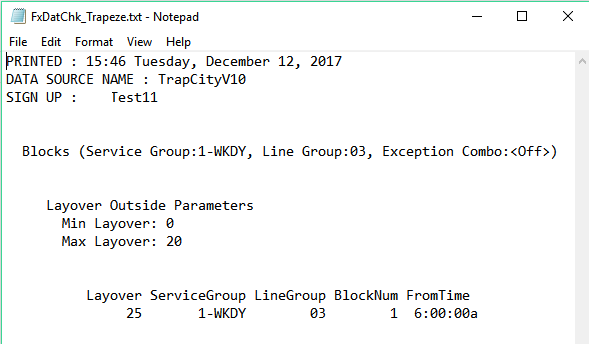
The following graphic shows a sample report:
The contents of the report depend on the filters you have selected in the
FX Data Integrity Check dialog box. Typically, the reports
contain column headers and you can export sections into a Microsoft Excel
spreadsheet.