Understanding the System Map
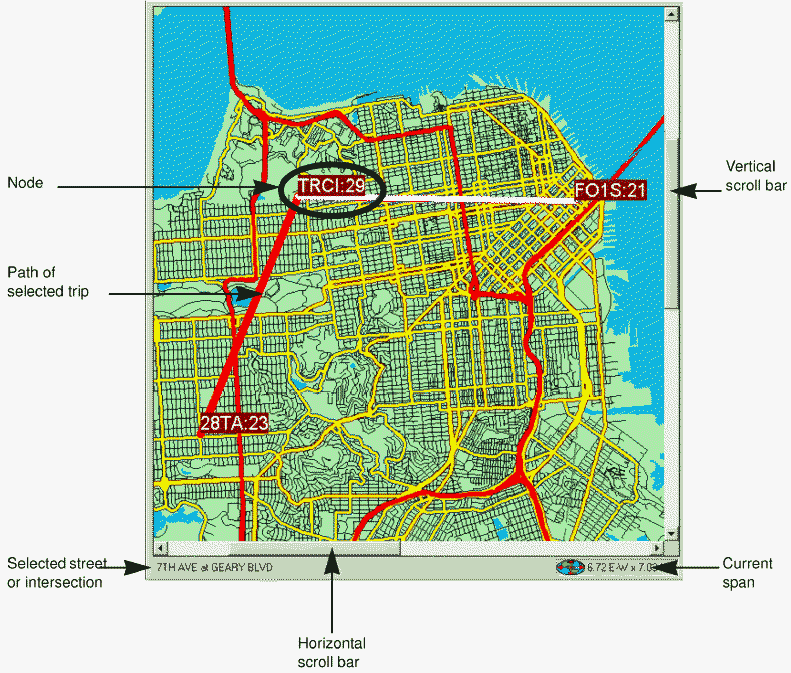
The system map in the active screen in the Trapeze4 workstation displays an image of the entire service area and allows you to view streets and barriers, locate nodes for selected routes, and access stop information.
-
To open the map, click the System Map button: