Place text in quotation marks for exact match search results.
Performing "What If" Demand Forecast Analysis
You can perform "what if" demand forecast analysis by changing various elastic
factors.
You must define your demand forecast indexes.
Click Analysis > Demand Forecast Factors.
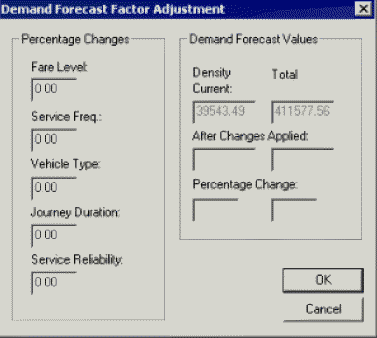
The Demand Forecast Factor Adjustment dialog box
appears.
In the Percentage Changes frame, change as many values as you
want.
Type the value as a percentage of 100. For example, to reduce the service frequency by
half, enter -50 in the Service Freq. field. A negative value means
that the changes have an adverse effect on the passenger. A positive value has a favorable
effect.
Click OK.
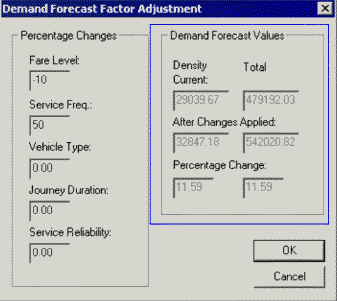
In the example shown in the following graphic, the values in the Percentage
Changes frame indicate that increasing fares by 10% while increasing
service frequency by 50% increases the demand forecast by 11.59%.
Click Cancel.
Note: If you use Demand Forecast Factors after comparing two
buffered areas without clearing the saved demand forecast, that is, the forecast
performed on the first buffered area, the results will correspond to the more recent
demand forecast.