Viewing Timekeeping Records on Larger Screens
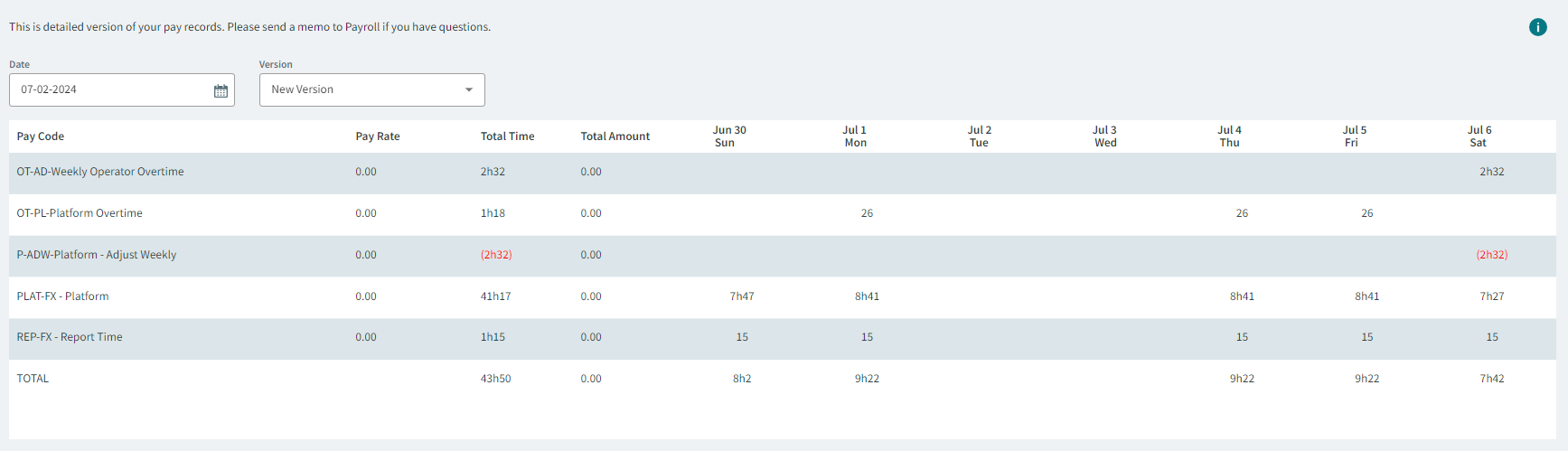
Timekeeping lets you check your hours and compensation.
- In the navigation bar, select .
- Select a date for the weekly pay records.
- Optional:
Select a Version.
Multiple versions may be available if timekeeping changes were made after the pay period was originally posted.