
Customizing Ancillary Data Screens
Through the COM you can apply changes to customize the ancillary data, that controls the COM representative and COM investigator screens.
-
On the main toolbar, click the Customize Grid button.
The Customize dialog box appears. The following graphic shows the fields for Feedback Subtypes:
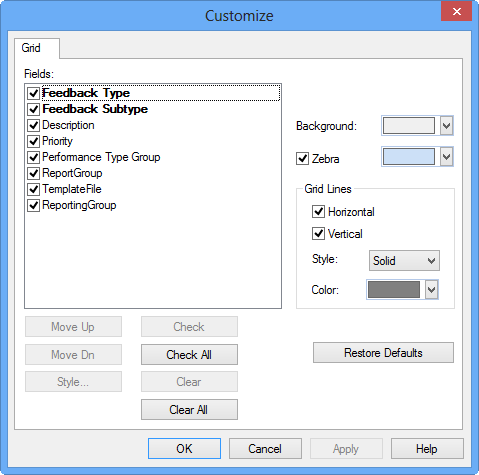
- In the Fields list, select the fields you want to display on the screen.
- Select the control buttons to perform any of the tasks described in the Customize Options table.
- Click OK.