Setting Field Styles
You can customize the appearance of fields with the Field Style feature.
-
In the Fields pane of the Customize
dialog box, select the field and click the Style
button.
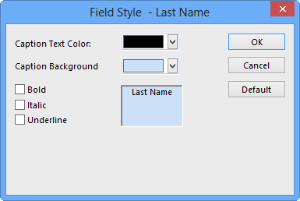
The Field Style dialog box appears.