Files that are attached to feedback are typically copies of the letters received from
or sent to clients. You can attach files to feedback records in the COM
Representative or COM Investigator screen.
COM supports the following file types: Adobe PDFs, Microsoft documents with the following file extensions:.doc, .docx, .rtf, .txt, and various Windows media files.
In the COM Representative or COM Investigator
screen, click the View Attachments button in the screen toolbar:
.
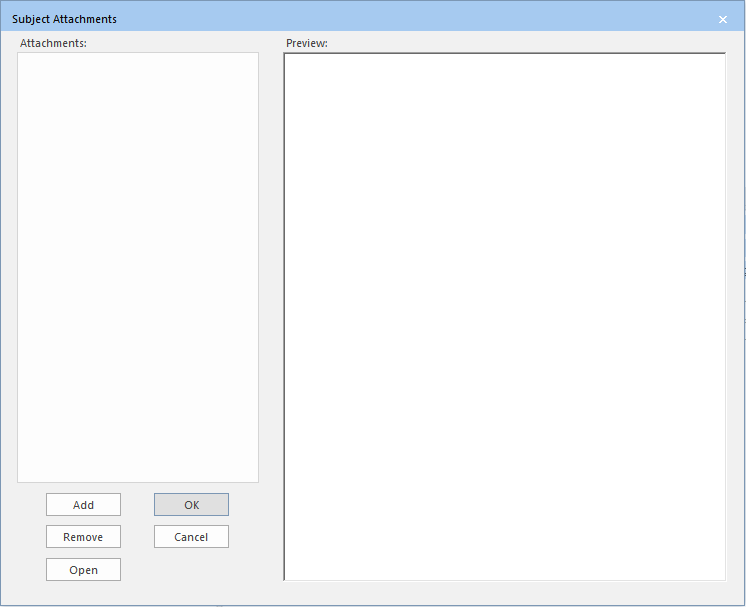
After each step, the Subject Attachments dialog box
appears.If any, existing attachment file names are displayed in the
Attachments pane.
Click Add.
The Add Attachments dialog box appears.
Browse to the file you want to attach and click Open.
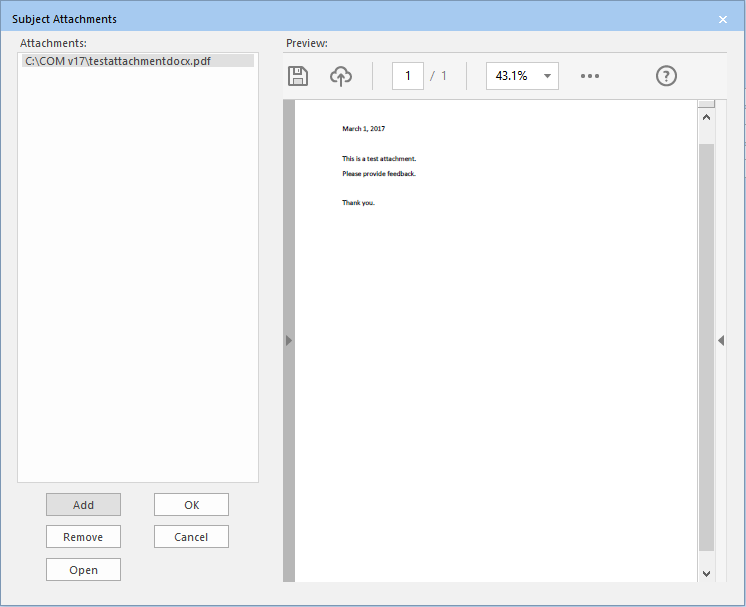
The file appears in the Attachments pane. A preview of the
selected file appears in the Preview pane as shown in the following
example:
Click OK.
Tip: To preview any file in the Attachments pane, select
the file and the contents of the file are displayed on the Preview
pane.
If the file is not shown on the Preview pane, some
possible reasons may be: security permissions set for the document or the document is
open and currently being viewed by another user.

 .
After each step, the Subject Attachments dialog box appears.
.
After each step, the Subject Attachments dialog box appears.