
About Stops with Time Closest to Current Time
When you open the Headway Wizard, the first stop on the trip with the time that is closest to the current time is highlighted on the grid.
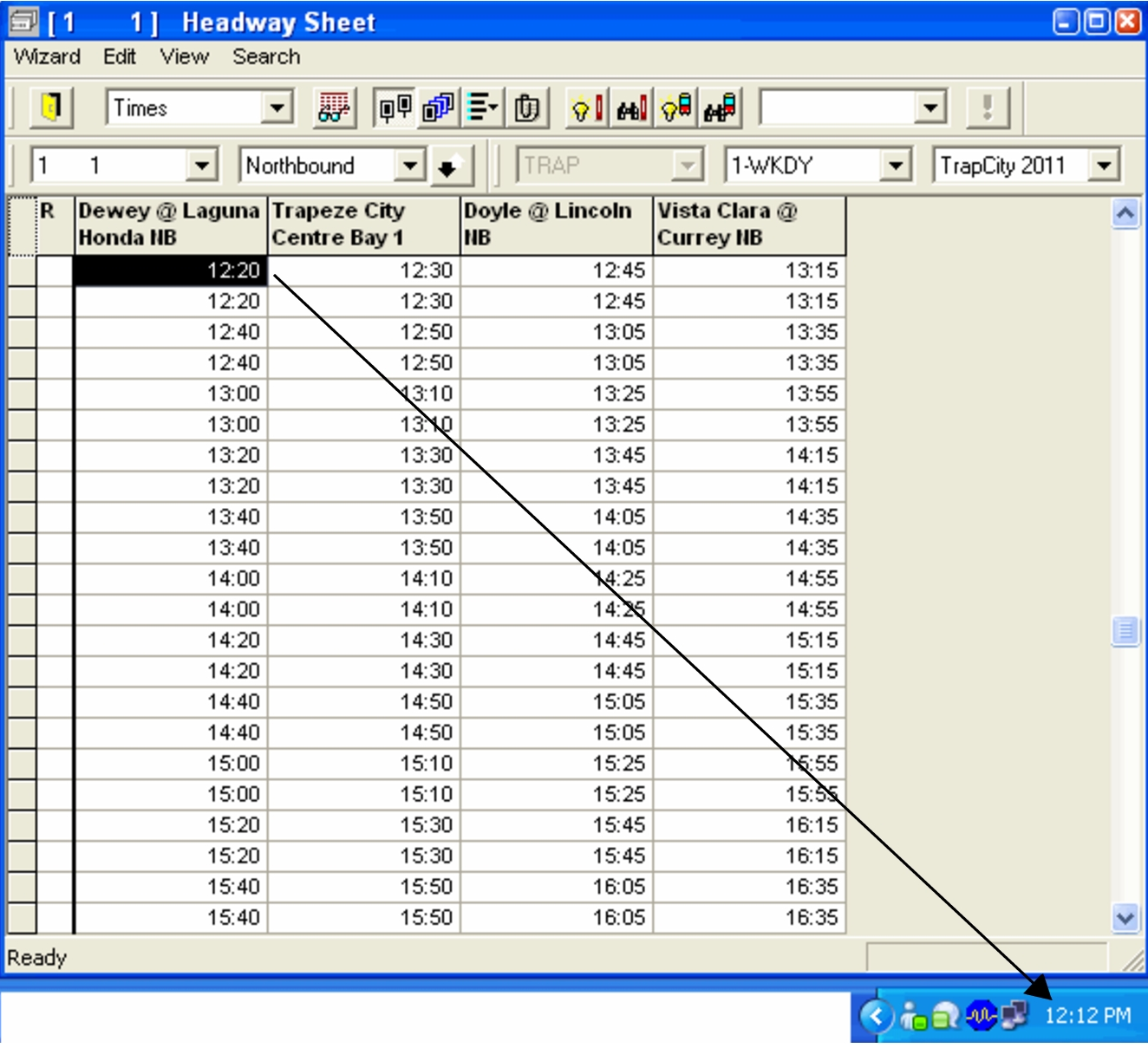
The current time is taken from the computer time, which is typically shown in the bottom right corner of the screen.
This occurs regardless of which tab you have open in the Itinerary Planning screen. Scroll up or down the sheet to view the other times on the sheet.