
Setting the Context of the Screen Information Screen
You can view and configure how fields of a selected table are displayed on the screen in the Screen Information screen.
-
With the Screen Information screen open, press
F3 or click .
The Context dialog appears.
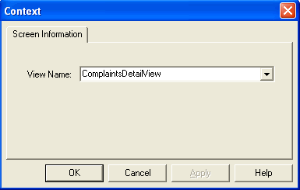
- In the View Name list, select the table for which you want to add or edit the screen information.
- Click OK.