
Changing the Report View
Change view options to customize the report size for your monitor.
-
On the Report toolbar, select View and then select an
option.
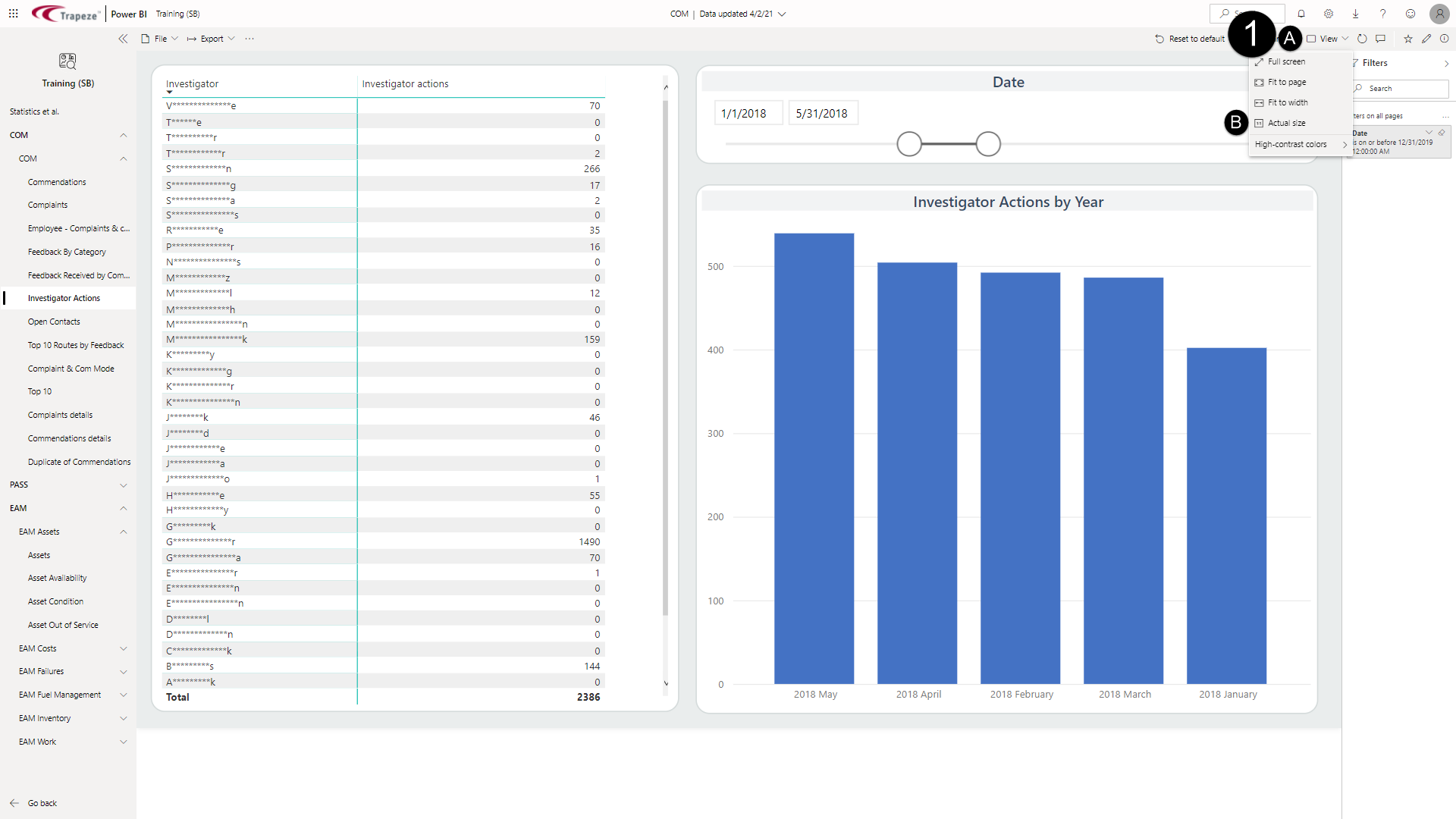
The screen view is updated.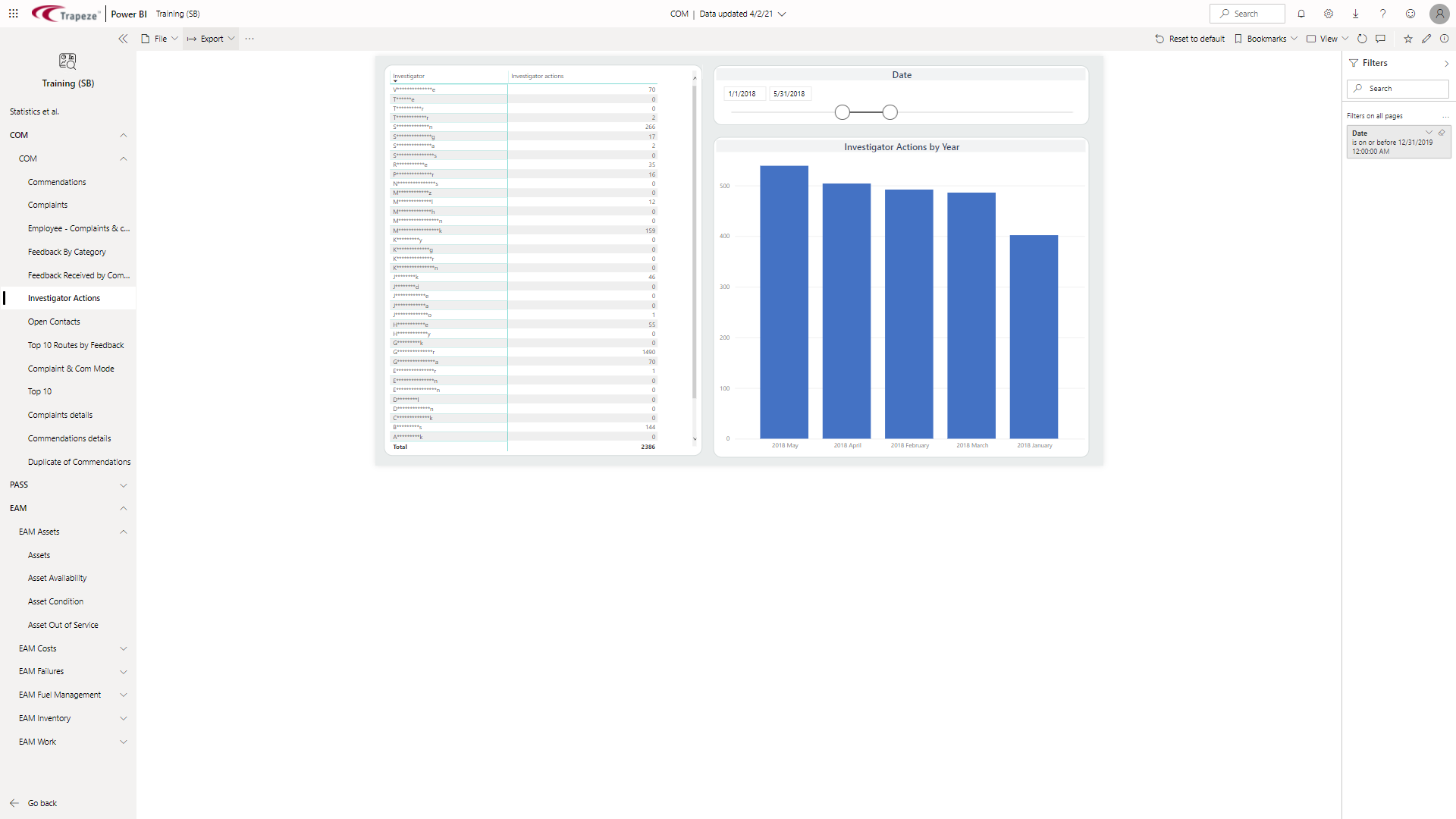
To exit Full screen, press Esc on the keyboard.
- To update the screen to show high-contrast colors, select , and then select an option.