Place text in quotation marks for exact match search results.
About Filters
Filters are used to limit the data shown in the report.
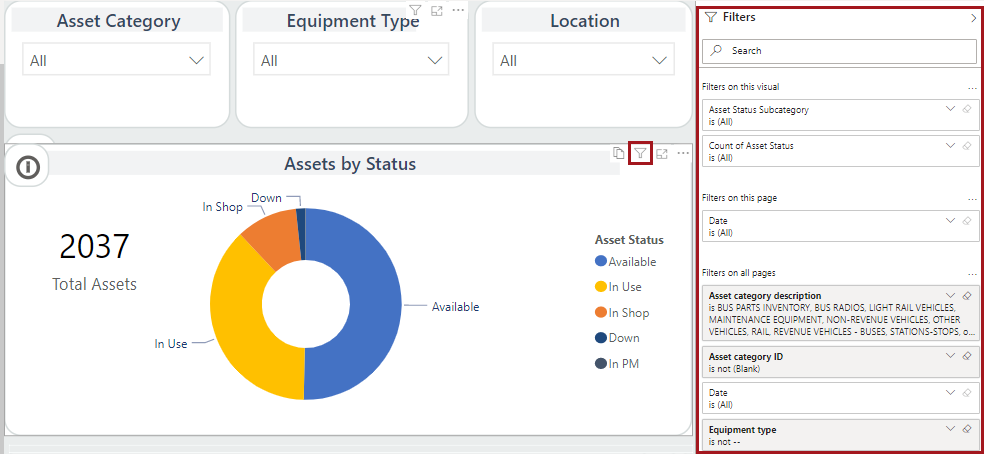
Look at the Filters pane to see which filters are applied to
the current report, report page, and visual (if one is selected). If available, you
can select filter options to change your visible data.
If you select a visual, you can also see the filters applied to that visual by
clicking on the Filters and slicers affecting this visual
action item.