
Defining INFO-Agent Parameter Sets
Parameter sets for INFO are defined in Itinerary Planning.
Before you begin
About this task
Procedure
- Click .
- Click the Parameters tab.
-
Create one or more parameter sets.
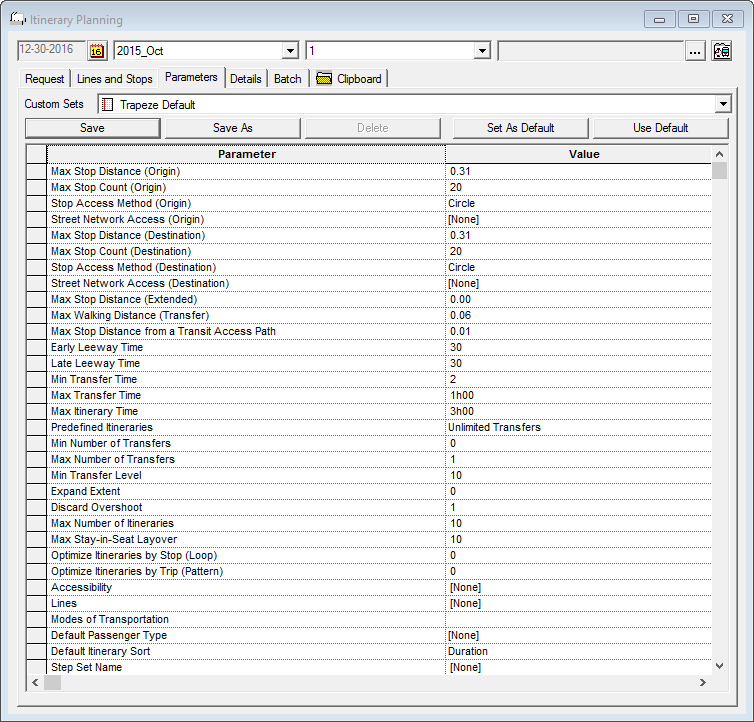
If you have not previously defined a parameter set, the message Current or default Parameter Set not found. Using Trapeze Default set appears. When the default set is loaded, click Save As to save it.
-
Click a parameter set in the Custom Sets list or use the current
one.
A list of parameters and their values appears.
-
Modify the parameter set as needed.
The Early Leeway Time and Late Leeway Time should be appropriate for the type of event (pick-up or drop-off) on which the request time is based.
- Click Save As.
- Specify a parameter set name and click OK.
- Optional: Click the Set As Default button to make the current set the default.