
Reviewing Runcuts
After a job is completed, the Job Status field in the Select step shows Done.
Procedure
-
Select the job that to review and click Review on the
Navigation bar.
The Review step opens.
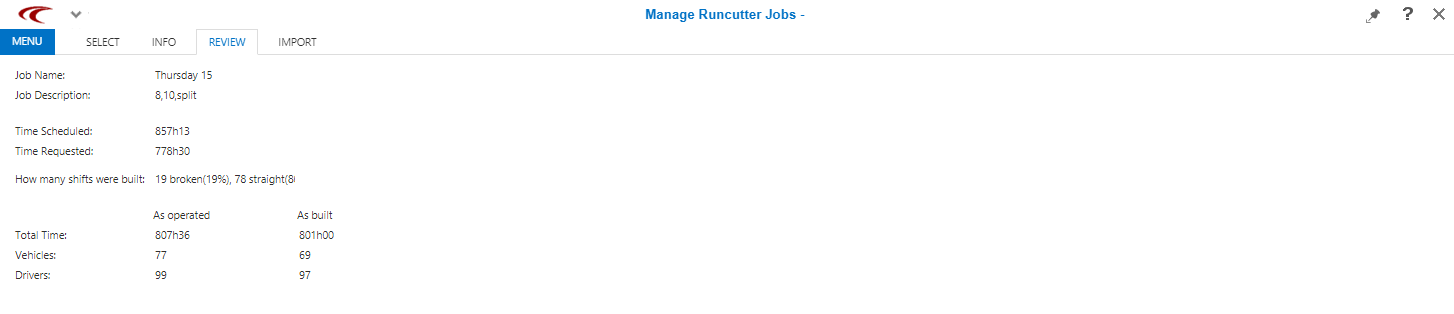
-
In the file directory, open the three postscript files to see the details of the
solution.
Use Windows Explorer to go to the folder designated for your solutions.