
Searching for Projects
Prospector allows you to create projects, which are investigations into past supply and demand patterns.
About this task
Procedure
-
On the main screen, click the Main Menu button:

-
On the menu, click Prospector.
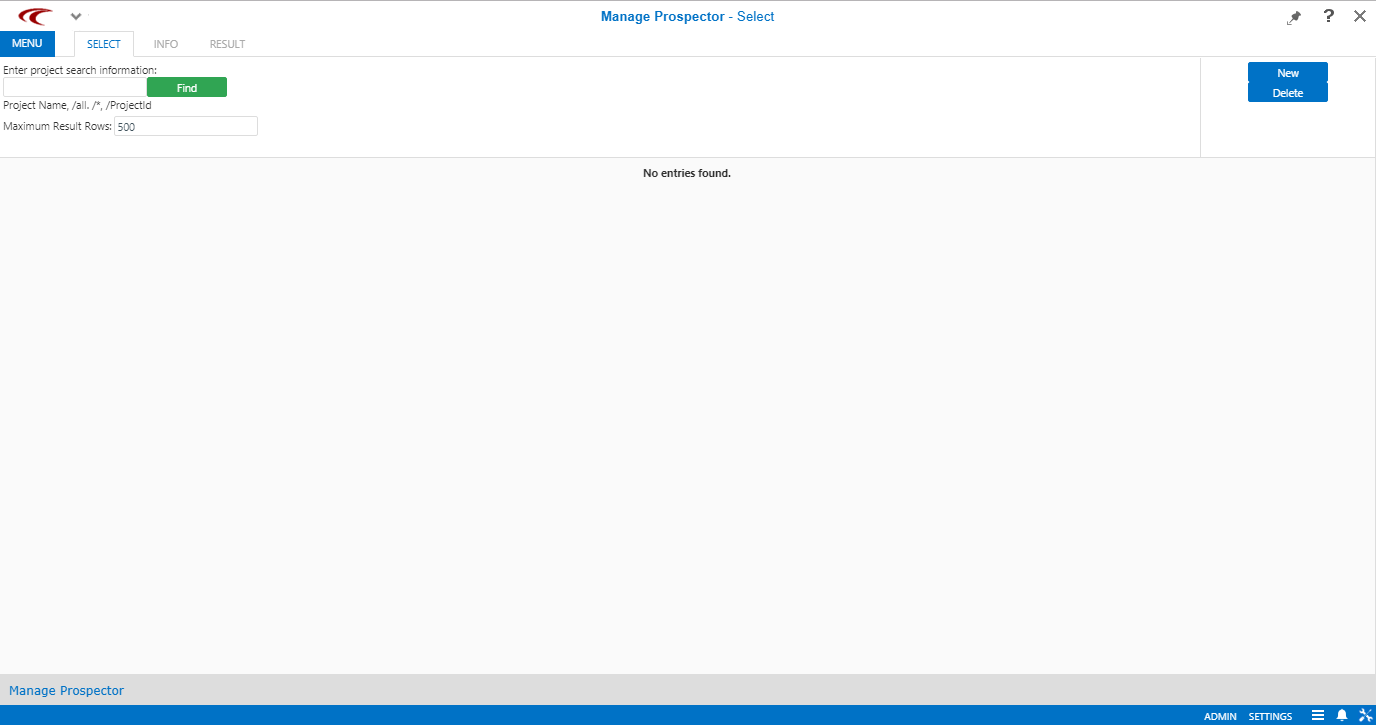
Manage Prospector appears.
-
Depending on the information you are searching for, perform one of the following steps
in the Find field:
- To search for a specific project, type the project name or ID.
- If you do not have specific information, type /*.
- To view all projects, type /all.
- Optional: In the Maximum Result Rows field, change the default value to set the number of rows of the search results.
-
Click Find.
You can click the button directly without typing any information in the field.The search results are shown in the lower section of the screen.
-
Double-click the project that to view.
The Info step of the selected project appears.