About Using Exception Days in Prospector
Prospector has an option to exclude exception days.
Exception days can skew the results of your analysis in Manage Prospector. You can mark days as exceptions in Schedule Administrator to exclude them from the Results screen.
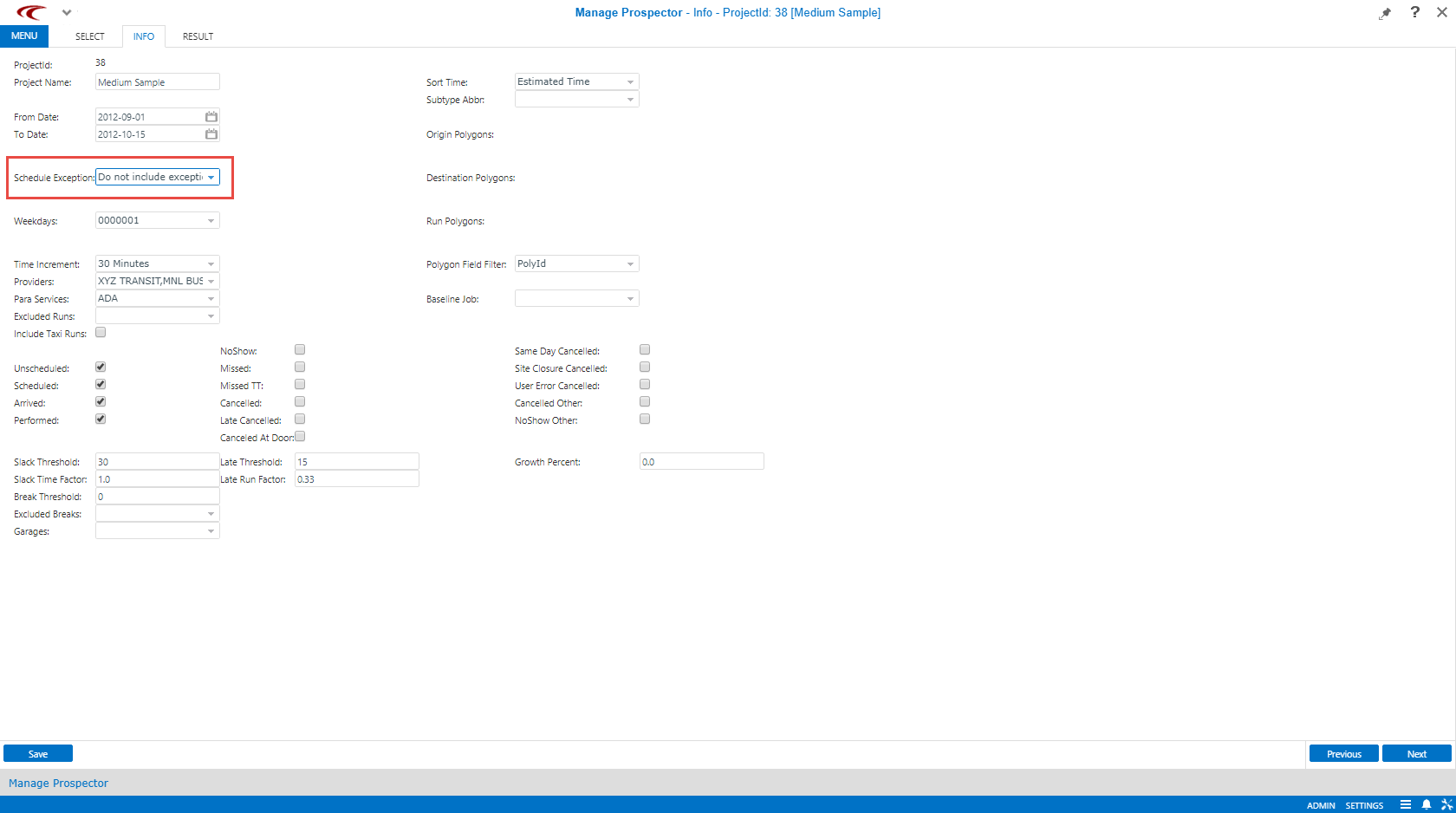
You can exclude exception days in the Info step of Manage Prospector by selecting Do not include exceptions from the Schedule Exception: drop-down:
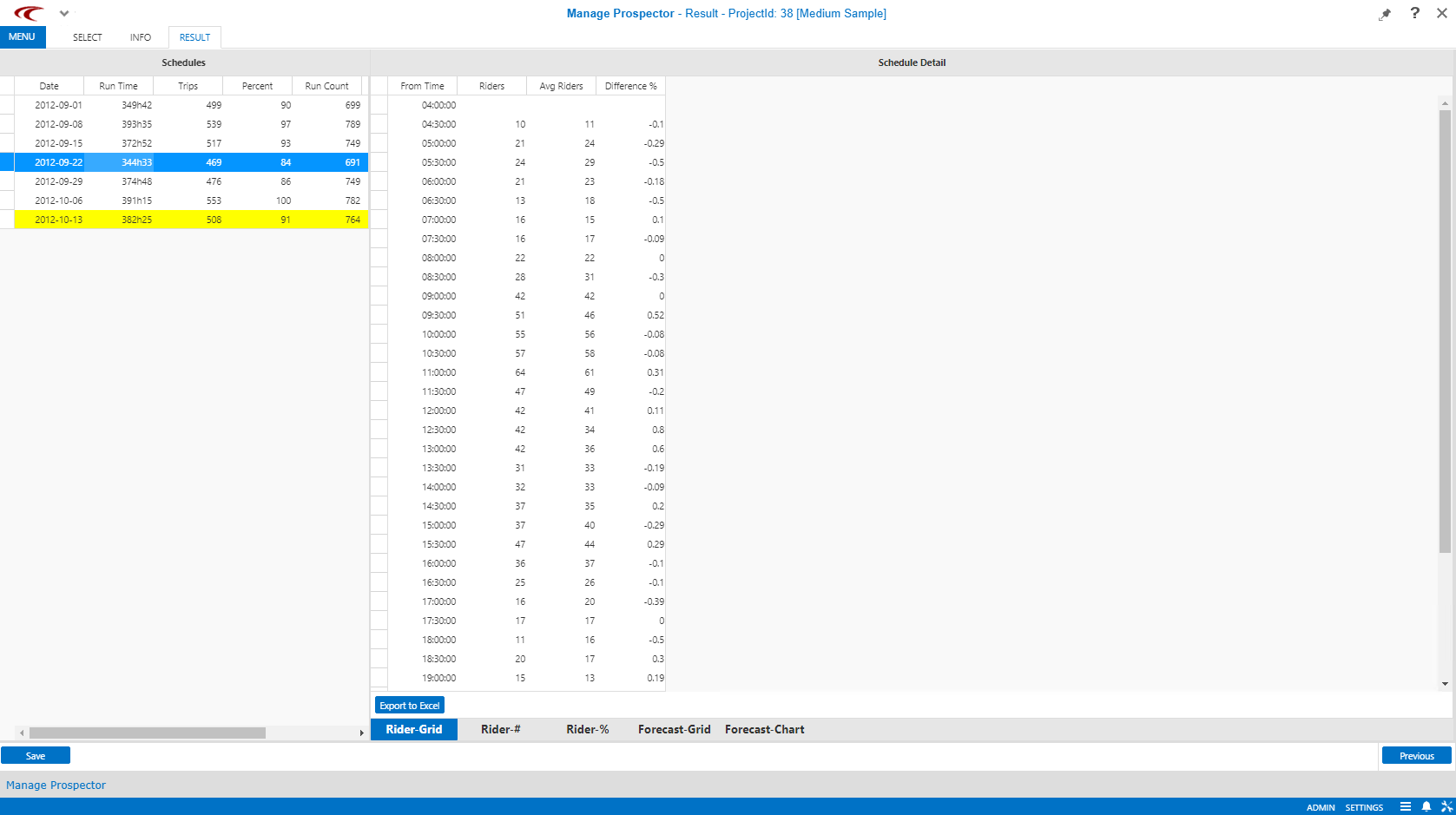
The following graphic shows the analysis results: