
About Viewing Booking Details
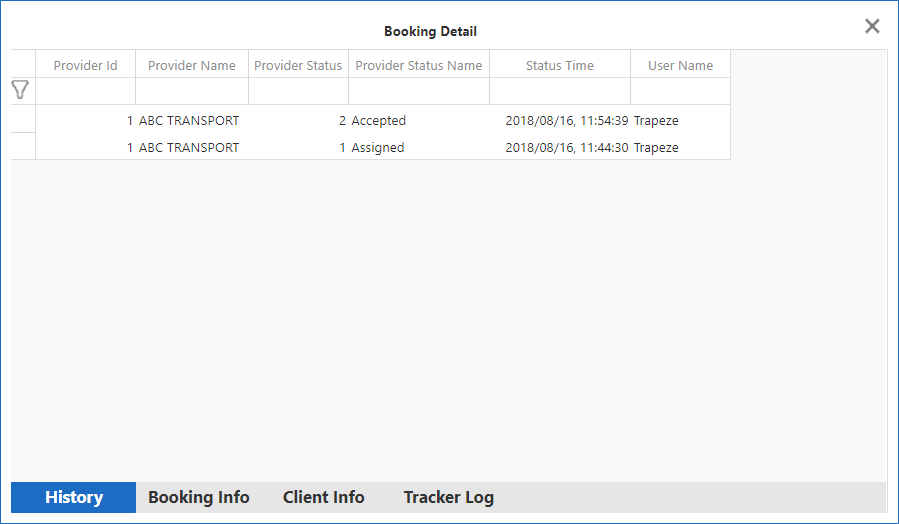
The Booking Detail window can be opened in any of the Provider status summary tabs.
It contains four tabs at the bottom of the window in which the following information can be
reviewed:
- History
- Booking Info
- Client Info
- Tracker Log
Information shown in any of these tabs cannot be modified.
The user must be granted access to the security permission to view the Booking Detail dialog box.