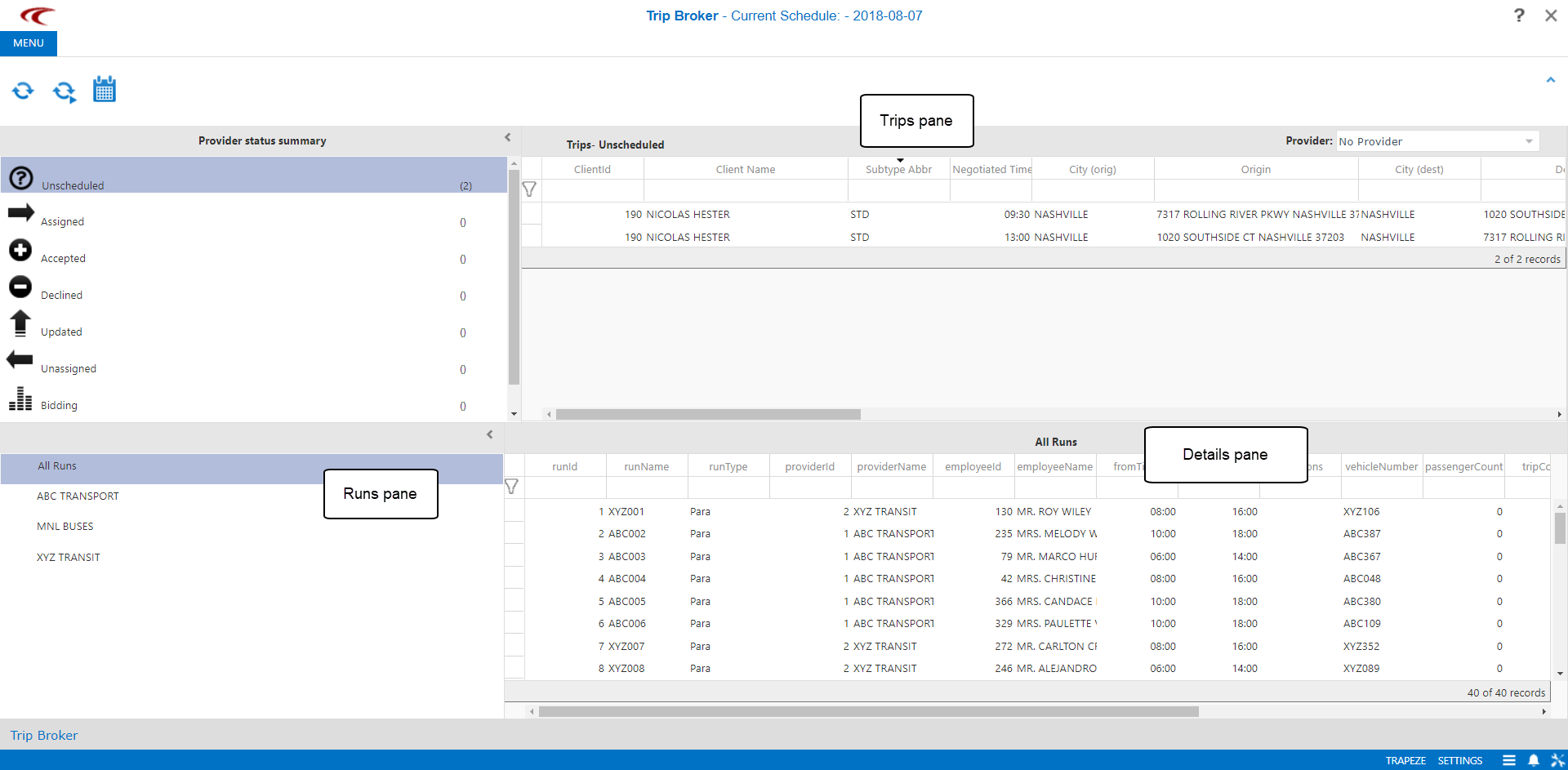
About Brokering Trips
Trip Broker allows users to view, assign, accept, and decline trips.
Trips can also be marked as Arrived and Performed.
Trips assigned to a specific provider can be viewed by using the Provider drop-down list
found in the upper-right corner.

The main Trip Broker screen has four panes:
- Provider status summary
- Lists trips by status.
- Trips
- Lists all trips for the selected status and providers.
- Runs
- Lists runs to be selected for viewing in the Details pane.
- Details pane
- Shows all runs for a selected provider, or all events for a selected run.